
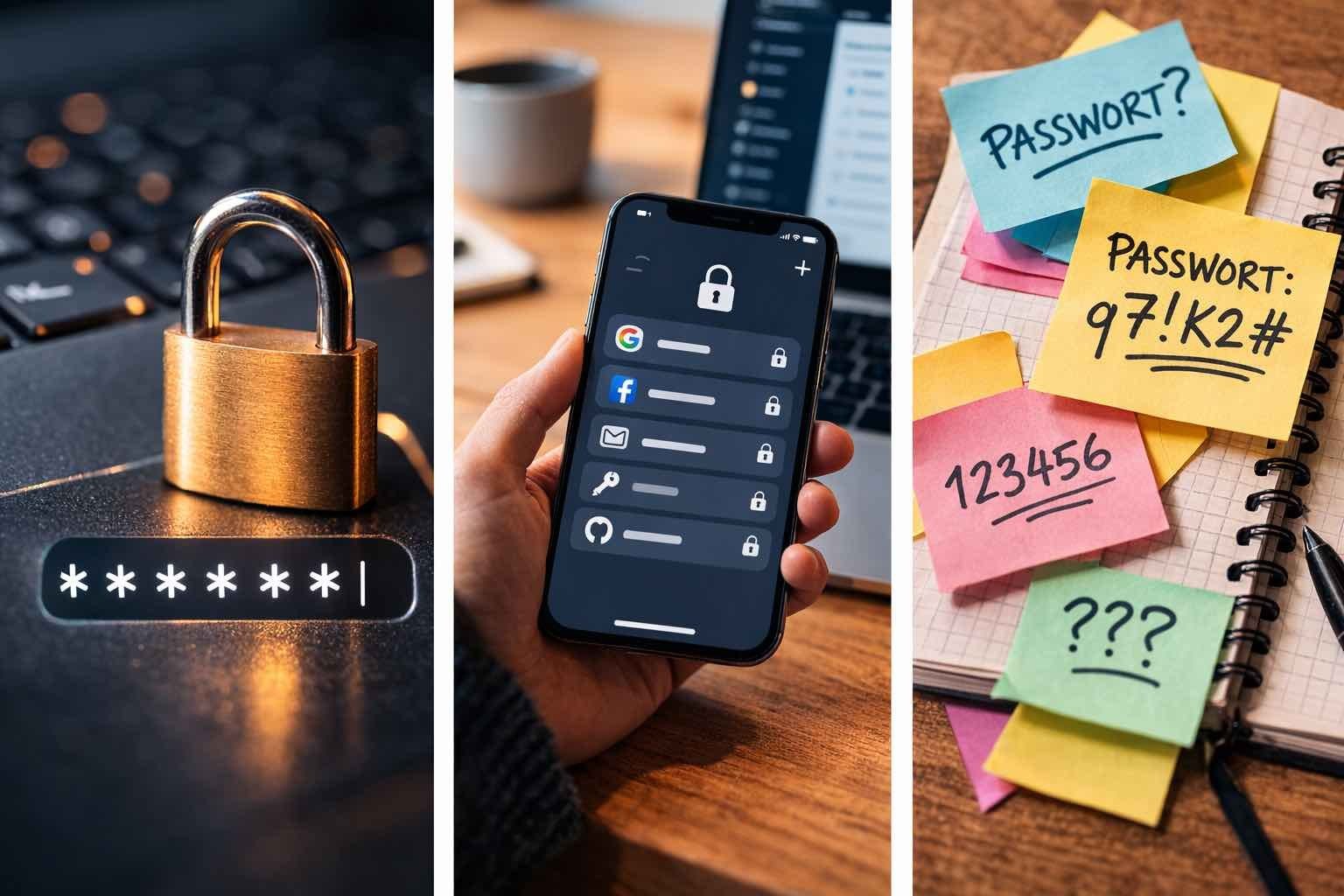
Is a Password Manager Safer Than Writing Passwords on Paper?

Is a password manager safer than writing passwords on paper? This sounds like a trick question, but it’s one I hear from genuinely smart people — usually right after a data breach makes the news. The short answer: a good password manager beats paper for almost everyone, but paper beats the thing most people actually do, which is reusing one password everywhere.
I’ve used both methods over the years, and I have opinions. Let’s compare them honestly instead of reciting security dogma.
Is a Password Manager Safer Than Writing Passwords on Paper? The Real Threats
First, understand what you’re defending against. The overwhelming majority of account takeovers come from remote attacks: credential stuffing (trying your leaked password on other sites), phishing, and database breaches. Against these, paper is useless — it can’t warn you about breaches, can’t generate unique passwords, and can’t autofill to defeat fake login pages.
Paper’s threat model is physical: someone must be in your house reading your notebook. That’s a much rarer attack for most people — but it’s not zero, especially with roommates, house guests, kids’ friends, or a burglary. A password manager’s threat model is the opposite: strong against remote attacks, with the master password as the single point of failure. For most people’s actual risk profile, remote attacks are the danger, so the manager wins.
Where Password Managers Clearly Win
Unique passwords everywhere: a manager generates and remembers a different 20-character password for every site — the single most important security habit, and nearly impossible with paper. Breach alerts: good managers warn you when a site you use is breached so you can change that password fast. Phishing resistance: autofill only fills credentials on the real domain, silently defeating most fake login pages.
And the practical win nobody mentions: you actually use it. Paper notebooks get outdated, handwriting gets ambiguous (is that a 0 or an O?), and updating 80 passwords by hand never happens. A manager makes good security the lazy option, which is why it sticks. Pair it with What is two-factor authentication and how do I set it up and your accounts are seriously hardened.
Where Paper Isn’t Crazy
Let’s steelman the notebook. Paper can’t be hacked remotely, has no software vulnerabilities, and doesn’t depend on a company’s servers. For a small number of critical passwords — say, your password manager’s master password and your email recovery codes — paper stored securely (a safe, not a desk drawer) is genuinely reasonable. Security experts call this an offline backup, and many recommend it.
Paper also wins on simplicity for the tech-averse: no apps, no syncing, no subscriptions. An elderly parent who will never adopt a password manager is far safer with a notebook in a drawer than with ‘Password123!’ reused across 40 sites. The perfect is the enemy of the good — match the method to the person. If you’re worried your credentials already leaked somewhere, How do I check if my email was part of a data breach shows how to check.
Quick verdict by situation:
- Most people, most accounts: password manager wins — unique passwords, breach alerts, phishing resistance.
- Master password + recovery codes: paper backup in a safe is smart, not paranoid.
- Tech-averse relatives: a discreet notebook beats password reuse every time.
- Either way: unique password per site matters more than which method you choose.
- Non-negotiable: enable two-factor authentication on your email and password vault.
Using Either One Correctly
Password manager rules: pick a reputable one (Bitwarden’s free tier is excellent; 1Password is the polished paid pick), make the master password a long memorable passphrase, enable 2FA on the vault itself, and write down the master password on paper stored securely — yes, both methods, for the one password that matters most.
Paper rules: never label it ‘PASSWORDS,’ store it somewhere non-obvious and ideally locked, write clearly, update it when you change passwords (this is where paper systems die — be disciplined), and never carry it with you. And regardless of method: unique passwords per site, always. That’s the habit that actually saves you.
The Bottom Line
Is a Password Manager Safer Than Writing Passwords on Paper? The Fine Print
The fine print on password managers: you’re trusting one company with everything, so choose like it matters. Pick an open-source or audited option (Bitwarden’s code is public; 1Password undergoes regular third-party audits), enable two-factor on the vault itself, and understand the threat model — a manager protects against remote attacks brilliantly but creates a single point of failure. That’s why the master password must be genuinely strong: four or five random words, unique, written down securely.
On the paper side, the fine print is physical security and disaster recovery. A notebook survives hacking but not house fires — photograph or copy critical entries and store the copy separately (a safe deposit box, a trusted family member’s safe). And never store the notebook and the devices it protects in the same bag when traveling; losing both together is the paper equivalent of a data breach. Every method has a failure mode — the wise move is knowing yours and mitigating it.
If you go the paper route, consider a simple cipher for the most critical passwords — not encryption-grade, just a personal rule like ‘add the site’s first two letters to the base’ that means a stolen notebook alone isn’t enough. It sounds paranoid, but it’s the paper equivalent of two-factor authentication: something you have (the notebook) plus something you know (the rule). And never photograph the notebook with your phone — that converts your offline backup into a cloud-synced image, defeating the entire purpose.
A password manager is safer than paper for everyday use because it defends against the attacks that actually happen — remote breaches and phishing — while making unique passwords effortless. But paper has a legitimate role as the offline backup for your most critical secrets. Use the manager for the 200 logins and paper for the 3 that open everything.
The password manager versus paper debate misses the point: the enemy is password reuse, not the storage medium. Pick the method you’ll actually maintain, use unique passwords everywhere, enable two-factor on what matters, and keep an offline backup of the critical few. Do that and you’re safer than 95% of internet users regardless of which camp you’re in.