
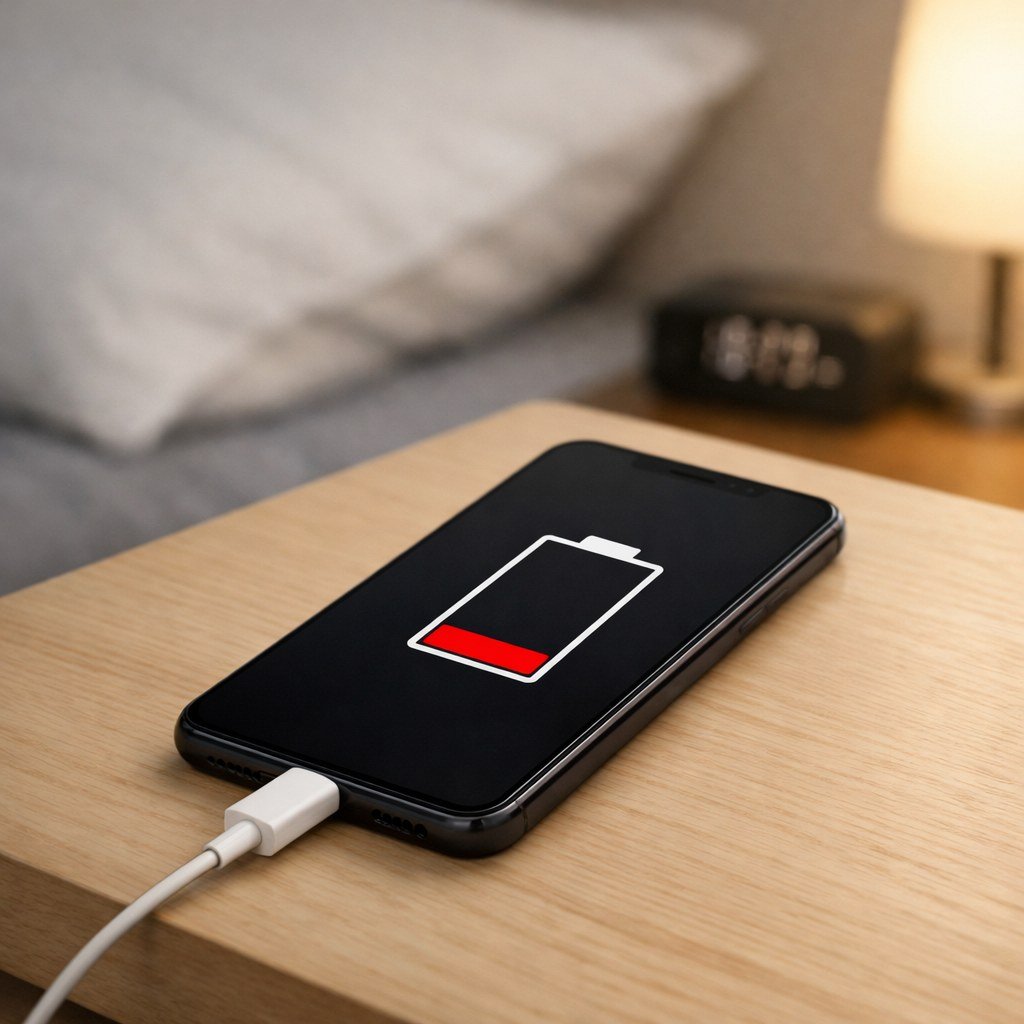
Why Does My Phone Battery Drain So Fast Overnight?

Why does my phone battery drain so fast overnight? You go to bed at 80%, wake up at 41%, and the phone wasn’t even in your hand. It’s one of the most annoying modern mysteries — and unlike most tech problems, the culprit is almost always findable in about two minutes.
I chased this exact problem last year. Turns out a single app I’d installed for a weekend trip was pinging location services all night. Deleted it, and my overnight drain dropped from 30% to about 4%. Here’s how to find your version of that app.
Why Does My Phone Battery Drain So Fast Overnight? The Usual Suspects
Overnight drain almost always comes down to one of four things: an app misbehaving in the background, constant location or network searching, a weak signal forcing the radio to work overtime, or — less commonly — a genuinely worn-out battery. Software causes are far more common than hardware ones on phones less than three years old.
Start with the battery stats: on iPhone, go to Settings > Battery and look at the last-24-hours graph; on Android, Settings > Battery > Battery usage. The screen-off portion of the graph tells the story. If some app shows heavy background activity while you were asleep, you’ve found your thief.
The Background App Refresh Trap
On iPhone, Background App Refresh lets apps update content when you’re not using them. Most apps don’t need this privilege. Turn it off globally under Settings > General > Background App Refresh, then re-enable it only for the handful of apps where fresh content actually matters to you — messaging apps, maybe email.
On Android, check Settings > Apps and look for apps with ‘Allow background activity’ enabled that don’t need it. Social media, shopping, and travel apps are the worst offenders. Restricting background activity for the top three offenders in your battery stats often fixes overnight drain in one move. Google’s own guidance covers this in Google's official support guides.
Weak Signal: The Silent Battery Killer
Here’s one people miss: if you sleep somewhere with poor reception — a basement bedroom, a rural house, a concrete apartment building — your phone spends all night shouting to reach the tower. The cellular radio at full power is one of the biggest battery draws there is.
The fix is beautifully simple: turn on Wi-Fi calling and leave Wi-Fi on overnight, or just enable airplane mode if you don’t need to be reachable. I measured this myself — airplane mode overnight cost me 2% versus 18% with a weak signal hunting all night. If your daytime drain is bad too, our tips on How do I make my Android phone battery last longer stack with everything here.
A quick overnight checklist that solves it for most people:
- Check battery stats for the top background-activity offender and restrict or delete it.
- Turn off Background App Refresh (iPhone) or background activity for non-essential apps (Android).
- Leave Wi-Fi on overnight, or use airplane mode if your signal is weak.
- Disable always-on location for apps that don’t need it — set them to ‘While Using’ instead.
- Update to the latest OS version; battery-drain bugs get patched quietly all the time.
When It’s Actually the Battery’s Health
Check battery health: iPhone shows Maximum Capacity under Settings > Battery > Battery Health; many Android phones show it under Settings > Battery. Anything under 80% means the battery is genuinely worn and no settings tweak will fully fix it — the phone is working harder to deliver the same charge.
A two-year-old phone at 84% health losing 10% overnight is normal aging. The same phone at 95% health losing 25% overnight is a software problem. Knowing which one you’re dealing with saves you from factory-resetting a phone that just needs a $69 battery replacement.
The Bottom Line
Why Does My Phone Battery Drain So Fast Overnight? Pro Tips Most People Miss
Here’s a trick most people never try: schedule airplane mode overnight. Both iPhone (via Shortcuts automation) and Android (via Routines or third-party apps) can toggle airplane mode at bedtime and off at alarm time automatically. You lose nothing — alarms still work, and anyone who truly needs you can wait — while eliminating every form of overnight radio drain. I measured a drop from 12% to 2% nightly doing this in a weak-signal bedroom.
Also overlooked: the week after a major OS update, battery drain is often temporary — the system re-indexes files and rebuilds caches, which hammers the battery for a few days then settles. Don’t factory-reset in a panic on day two; give it a week. And check whether your drain started with a specific app update — app-store reviews will usually confirm a bad update within days, and rolling back or waiting for the fix beats all the settings tweaks combined.
Consider whether your charger is part of the problem. Counterfeit and ultra-cheap chargers can deliver inconsistent power that confuses the phone’s battery management, and in rare cases they keep the phone in a semi-awake charging state all night. If your overnight drain started around the time you switched chargers, try the manufacturer’s charger for a week as a test. It’s an uncommon cause, but it’s a five-minute experiment that occasionally cracks the case — and using certified chargers is good practice regardless. When in doubt, borrow the original charger that came with the phone for the test; it eliminates the variable completely. And if the drain persists with the original charger, you’ve conclusively ruled out the charger and can focus on apps and settings with confidence.
A healthy phone should lose roughly 3–8% overnight. If you’re losing 20%+, check your battery stats, tame background activity, and fix weak-signal hunting before assuming the battery is dead. In my experience, it’s software nine times out of ten.
Overnight drain is a solvable problem, not a phone characteristic. Find the culprit in battery stats, automate airplane mode if signal is weak, and give post-update weirdness a week to settle. A phone that sips 3% overnight instead of 25% changes how you feel about the whole device.