
How to Use the Caution Signal in League: Step-by-Step Guide (2026)
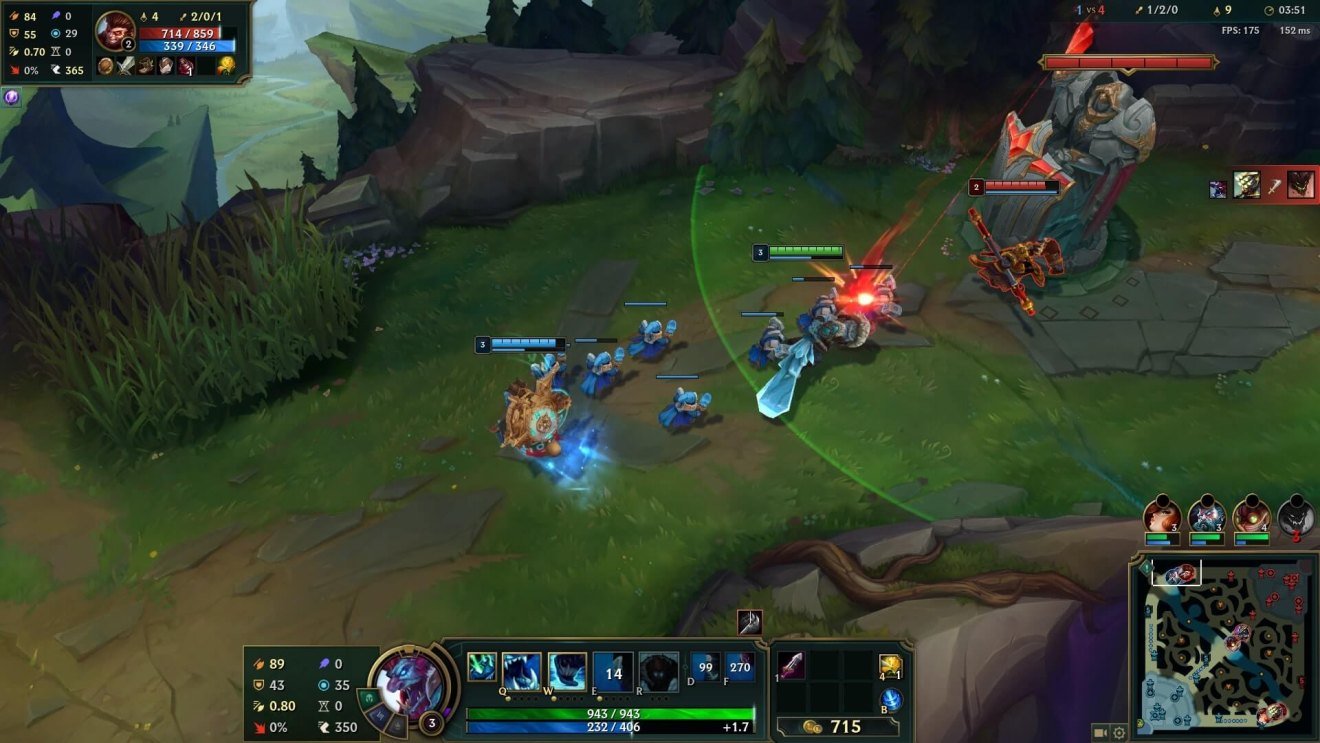
Direct Answer: The caution signal in League of Legends is the caution ping: press V + left-click (or Ctrl + left-click) on the map, minimap, or a unit to warn your team of danger. For a stronger warning, hold Alt or G to open the smart ping wheel and drag up for the red Danger ping.
What Is the Caution Signal?
League of Legends has two kinds of pings: regular pings and smart pings. The caution signal most players mean is the Caution ping, one of the two regular pings:
- Generic ping (G + click / Alt + click): a simple notification — “look here.”
- Caution ping (V + click / Ctrl + click): a warning — “be careful, danger here.” It shows a yellow exclamation-style marker.
There is also the red Danger ping on the smart ping wheel, which is the louder, more urgent version of the same idea. Knowing when to use each one is what separates good communicators from ping spammers.
Step 1: Send a Basic Caution Ping
- Hover your cursor over the spot on the map or minimap you want to warn about.
- Press V and left-click — or hold Ctrl and left-click.
- Your teammates instantly see a yellow caution marker on the terrain and their minimap, and hear a distinct warning sound.
You can also caution-ping directly on units: ping an enemy champion to say “avoid them,” or ping an allied champion to tell them to back off.
Step 2: Use the Danger Ping for Urgent Threats
When the threat is immediate — an ambush, a missing assassin, a Baron steal attempt — upgrade to the Danger ping:
- Hover over the location, then hold Alt (or G) to open the smart ping wheel.
- Without releasing, drag your mouse up to highlight the red Danger quadrant.
- Release to fire the ping. It appears on the map and minimap with a voice callout from your champion, and the message lands in the chat log.
Shortcut: Alt + click fires a Danger ping instantly without opening the wheel. Ctrl + click fires an On My Way ping the same way.
Step 3: Learn the Full Smart Ping Wheel
While holding G (or Alt), the wheel offers four directional pings:
- Up — Danger: fall back, threat here.
- Right — On My Way: I am coming to this spot.
- Down — Assist Me: I need help here.
- Left — Enemy Missing: my laner left, watch out.
Two more useful pings: hold Alt + G (or press V in newer layouts) for the Vision ping (“ward here”), and ping the enemy portrait or the empty ultimate bubble to ping enemy ultimates and summoner spells.
When to Use the Caution Signal
- Your laner roams. Ping caution on the lane they are heading toward, then ping Enemy Missing on your own lane.
- You spot the jungler. Caution-ping the river or the lane they are pathing to.
- An objective looks trapped. Caution on Dragon or Baron pit when you suspect an ambush.
- A teammate overextends. Caution-ping directly on your ally — it tells them to back off without typing a word.
- An enemy is fed. Caution-ping the fed champion so your team avoids fighting them.
Pro habit: when your lane opponent roams, ping Missing 2–3 times on your lane, Danger at the river entrance of the lane they are going to, and Danger directly on your allies — then ping Missing on your lane once more. One ping is easy to miss.
Step 4: Customize Your Keybindings
If the defaults feel awkward, change them:
- Open Settings (ESC in game) and go to Hotkeys.
- Find the Communication / Pings section.
- Rebind Caution, Danger, and the ping wheel to keys that fit your hand.
Many players rebind the ping wheel to a mouse side button for faster access in teamfights.
Common Mistakes
- Ping spamming. Hammering pings annoys teammates and gets you muted. Two or three deliberate pings beat ten panicked ones. You can also be ping-throttled by the game (“You must wait before issuing more pings”).
- Pinging without context. A lone Danger ping on mid lane means nothing — pair it with a Missing ping or a quick chat message.
- Only pinging the minimap. Ping directly on allies too — the marker on their screen is much harder to miss.
- Using Caution when you mean Danger. Caution says “careful.” Danger says “run.” Match the urgency to the threat.
- Never pinging at all. Silence loses games. Even basic caution pings on roams and jungler positions win lanes.
Tips for Better Team Communication
- Ping early. A caution ping 5 seconds before the gank arrives saves a life; the same ping as the gank lands is just commentary.
- Combine pings with chat or voice. “Danger ping + ‘care, they are rotating mid'” is clearer than either alone.
- Ping objectives. A Generic ping on Baron tells your team it is time to contest; a Caution ping on it says stay away.
- Acknowledge pings. A quick On My Way ping back tells your team you heard them.
- Respect the mute. If a teammate is tilted, fewer, calmer pings work better than more.
FAQs
What is the caution ping key in League of Legends?
Press V + left-click or Ctrl + left-click on the map, minimap, or a unit. Both work on terrain and the minimap.
What is the difference between the caution ping and the danger ping?
The Caution ping (yellow marker, V or Ctrl + click) is a general “be careful” warning. The Danger ping (red marker, from the ping wheel or Alt + click) is the urgent “fall back now” version.
How do I open the ping wheel?
Hold G (or Alt) and drag your mouse in a direction: up for Danger, right for On My Way, down for Assist Me, left for Enemy Missing. Release to send.
Can I ping on the minimap?
Yes — all pings work on both the main map and the minimap. Minimap pings are great for warning lanes you are not looking at.
Why do my pings sometimes not go through?
The game rate-limits pings. If you see “You must wait before issuing more pings,” slow down — spamming also gets you muted by teammates.
How do I ping an enemy’s ultimate or summoner spells?
Click the champion’s portrait or the empty ultimate bubble on the scoreboard area to broadcast their cooldown status to your team.
Conclusion
The caution signal in League of Legends is your fastest way to save a teammate’s life: V + click for the yellow caution ping, Alt + click or the ping wheel for the red Danger ping. Ping early, ping with context, and ping directly on allies so they cannot miss it. Master these two signals and your teams will die to roams and ambushes far less often.
Want more League basics? Read our guides on how warding wins games and jungle tracking for beginners. For official-style references, see the League of Legends Wiki ping page and Strafe’s complete ping guide.