
How to Make Subnautica 2 Server: Step-by-Step Guide (2026)
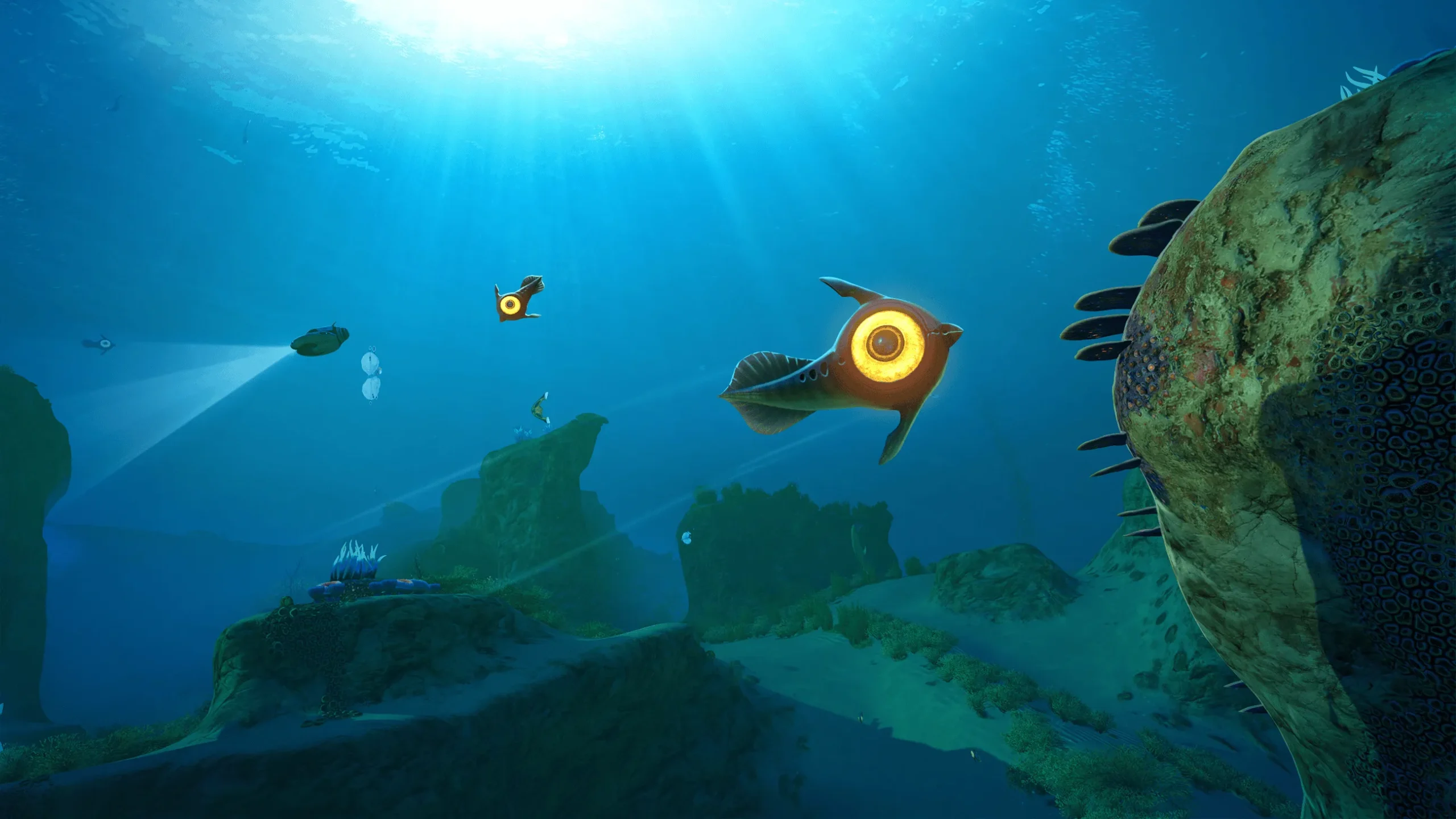
Direct Answer: Subnautica 2 does not have dedicated server software — multiplayer is host-based. To play with friends, go to the main menu, select Host Multiplayer, then Host New Multiplayer Game. Invite up to 3 friends through Steam or an 8-digit friend code. The host must stay online for others to play.
How Multiplayer Works in Subnautica 2
Subnautica 2 is the first game in the series with official multiplayer. Up to 4 players (1 host + 3 guests) can explore the ocean planet together in drop-in, drop-out co-op. There is full crossplay between PC and Xbox Series X/S, and you can play the full story in co-op — there is no co-op-only content, and solo play is fully supported.
Important: there is no standalone dedicated server you can rent or run 24/7. The host’s game is the server. Progress is saved to the host’s save file, so the world persists between sessions, but guests can only join while the host is online and hosting.
Step 1: Host a Multiplayer Game
- From the main menu, select Host Multiplayer.
- Choose Host New Multiplayer Game to start a fresh world.
- Pick a game mode: Survival for the full survival experience (oxygen, hunger, danger) or Creative for unlimited resources and relaxed building.
- Click Host Game and wait for the world to load.
- Select your Pioneer character and spawn into the Lifepod.
Tip: if you already have a single-player save you love, you don’t need to start over — highlight the save and press Convert to Multiplayer. You can convert back to single-player later too.
Step 2: Invite Your Friends (Same Platform)
- Once in the game, press Escape (or Start) and open the Friends List.
- Hover over a friend’s name and press Invite.
- Your friend accepts the invite and spawns into your world in their own drop pod.
On PC, you can also invite directly through Steam from the pause menu once you are in a session.
Step 3: Play Cross-Platform With a Friend Code
Steam and Xbox friends lists can’t see each other, so crossplay uses an 8-digit friend code:
- Open your Friends List in the pause menu.
- Select Generate Code to create an 8-digit code.
- Share the code with your friend (Discord, chat, text — anywhere).
- Your friend enters the code in the Add Friend field on their Friends List.
- Accept the incoming friend request.
- They now appear at the top of your Subnautica 2 friends list — hover over their name and hit Invite.
Step 4: Join a Friend’s Game
- From the main menu, click Join Friends.
- Active multiplayer games on your friends list appear here.
- Click a friend’s game to join — you’ll spawn in your own drop pod in their world.
If a friend’s game doesn’t show up, check that they are hosting an online multiplayer save (not a single-player file) and that their Steam status isn’t set to hidden.
Tips for a Smooth Co-op Session
- The host is the server. If the host quits, everyone is disconnected. Plan sessions around the host’s availability.
- Progress belongs to the host. Guests keep their character, but world progress (built bases, scanned tech, story) lives in the host’s save.
- 4 players max. You and up to three friends — no more, on any platform.
- Cross-progression works if you own the game on two systems and buy two copies.
- No split-screen or local co-op — multiplayer is online only.
- PS5 and Switch are not supported at launch, so crossplay is PC ↔ Xbox only.
Common Mistakes
- Looking for dedicated server files. They don’t exist for Subnautica 2. Anyone promising “Subnautica 2 dedicated server hosting” is selling something else — the game only supports host-based sessions.
- Hosting a single-player save. Friends can’t see it. Convert it to multiplayer first.
- Skipping the friend-code step for crossplay. Steam invites don’t reach Xbox players. Generate the code.
- Expecting 24/7 uptime. The world only exists while the host is playing. For a persistent world, the host needs to be the most active player.
FAQs
Can you run a dedicated Subnautica 2 server?
No. Unknown Worlds built multiplayer as host-based co-op. There is no official dedicated server software, and the host must be online for guests to play.
How many players can join a Subnautica 2 server?
Four total: 1 host plus 3 guests. This limit applies on every platform.
Is Subnautica 2 crossplay?
Yes, between PC (Steam, Epic, Game Pass) and Xbox Series X/S. Use the 8-digit friend code system to add cross-platform friends.
Can I convert my single-player save to multiplayer?
Yes. Highlight the save on the load screen and press “Convert to Multiplayer”. You can convert it back later without losing progress.
Do guests keep their progress?
Guests keep their own character, but story progress, bases, and world changes are saved to the host’s file.
Can you play the full story in co-op?
Yes. The entire campaign is playable in multiplayer, and solo players get the complete experience too.
Why can’t my friend see my game?
Make sure you’re hosting a multiplayer save (not single-player), your Steam status isn’t hidden, and for crossplay, that you’ve exchanged friend codes first.
Conclusion
Making a “server” in Subnautica 2 really means hosting a multiplayer world: main menu → Host Multiplayer → invite up to three friends via Steam or an 8-digit code. With 4-player co-op, full crossplay, and convertible saves, it is easy to dive in together — just remember the host’s game is the server, so plan your sessions around them.
Related guides: our Subnautica 2 beginner’s survival guide, how crossplay works in Subnautica 2, and the best co-op survival games like Subnautica. Official sources: PCGamesN’s Subnautica 2 multiplayer guide and GameSpot’s co-op rundown.