
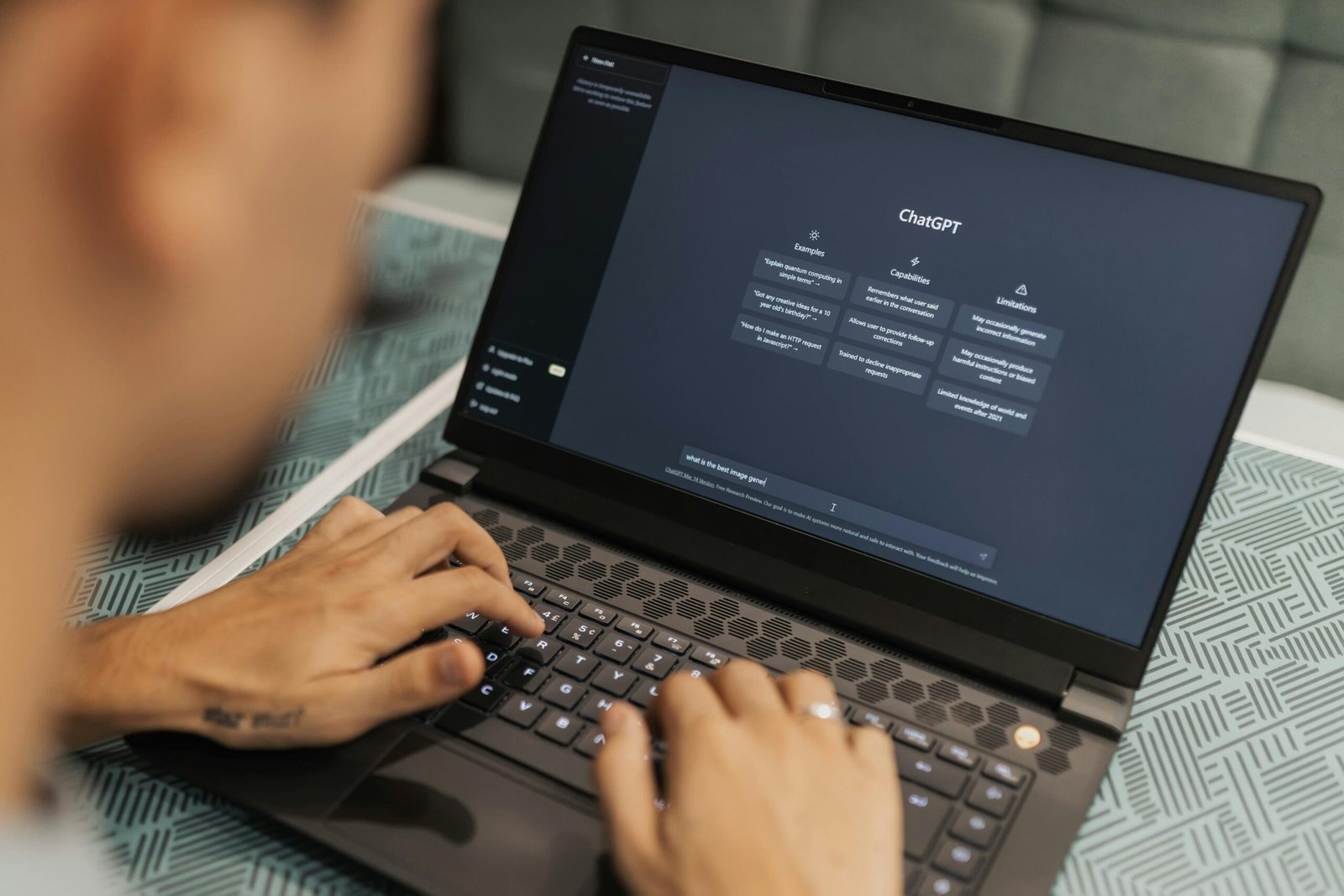
How Do I Write Good Prompts to Get Better Answers From AI?
How do I write good prompts to get better answers from AI? Here is the secret most people miss: the AI is rarely the problem — the prompt is. The same chatbot that gives you a useless generic paragraph will produce something excellent if you ask properly. Prompting is not some mystical skill; it is just learning to communicate with a brilliant, literal-minded assistant that knows nothing about your situation until you tell it. Master these techniques and every AI interaction you have — at work, in business, in daily life — gets dramatically better.
Rule 1: Give context like you are briefing a new hire
Imagine asking a smart temp worker for help with zero background. “Write a product description” gets you generic fluff. But: “Write a product description for a handmade ceramic mug, 12 oz, speckled glaze, targeted at gift-buyers aged 25-40, warm and slightly witty tone, 80 words max, mention it is dishwasher safe” — that gets you something usable. Context includes: who the audience is, what the goal is, relevant background facts, and constraints. The AI cannot read your mind, but it is excellent at reading your brief. Five extra sentences of context routinely produce ten times better output. This single habit separates frustrating AI experiences from magical ones.
Rule 2: Assign a role
Starting your prompt with a role focuses the AI’s vast knowledge on the right slice. “Act as an experienced email marketer” produces different — and better — marketing copy than a bare request. “Act as a patient math tutor who explains step by step” changes the entire teaching dynamic. Roles I use constantly: hiring manager (for resume feedback), senior copywriter, financial planner (for budgeting questions — pair with AI budgeting help), travel planner, code reviewer. Be specific: “experienced B2B SaaS copywriter” beats “writer.” The role primes tone, vocabulary, and priorities all at once.
Rule 3: Show, do not just tell (give examples)
The most powerful prompting technique has an unglamorous name: few-shot prompting. It just means showing examples of what you want. Instead of describing your preferred email style in abstract terms, paste two emails you have written that you like and say “match this tone.” Instead of explaining your brand voice, give three headlines that nail it. AI is exceptional at pattern-matching from examples — far better than it is at interpreting abstract style descriptions. One real example is worth a paragraph of adjectives.
Rule 4: Specify format and length
AI defaults to medium-length generic responses unless told otherwise. Take control: “Give me a bullet list,” “Format as a table comparing the three options,” “Keep it under 150 words,” “Write it as a step-by-step guide.” For work emails, specifying length is transformative — “under 100 words” forces the AI to be concise instead of padding. If you are using AI for work emails, format instructions are the difference between a usable draft and a rambling mess you have to rewrite.
Rule 5: Iterate — the first answer is a draft
Beginners treat AI like a vending machine: one prompt in, one answer out, disappointed. Experts treat it like a conversation. Got something 70 percent right? Say so: “Good start. Make the tone warmer, cut the second paragraph, and add a specific example about pricing.” Each refinement round improves the result dramatically, and three quick iterations beat one perfect prompt every time. Follow-up prompts I use constantly: “make it shorter,” “give me three alternatives,” “what is weak about this?”, “rewrite for a beginner audience,” “now argue the opposite side.”
How do I write good prompts to get better answers from AI? Advanced moves
- Chain-of-thought: For complex problems, ask the AI to “think step by step” or “show your reasoning before the final answer.” This measurably improves accuracy on math, logic, and analysis.
- Constraints as creativity: Paradoxically, more constraints produce better results. “Explain blockchain to a 10-year-old using only pizza analogies, in 5 sentences” beats “explain blockchain.”
- Ask the AI to interview you: “Ask me clarifying questions before you start” turns a vague request into a guided consultation. The AI will surface details you did not know mattered.
- Request self-critique: “Review your answer and identify any weaknesses or missing information” catches errors — useful given that AI can hallucinate confidently.
- Set the stakes: “This will be published on our company blog read by 10,000 customers” makes the AI more careful than “write something quick.”
Common prompting mistakes
Watch for these: being too vague (“write about marketing” — about what aspect, for whom, to what end?); asking three things at once (split complex requests into steps); accepting the first output (always iterate at least once on anything important); not correcting errors (if the AI gets something wrong, say so — it adjusts, and you train your own prompting instincts); and over-trusting confident answers (fluency is not accuracy — verify facts that matter).
Build your personal prompt library
The compounding win: save prompts that work. Keep a note — in your notes app, wherever — of your best prompts for recurring tasks: the weekly report summary, the client follow-up, the brainstorming kickoff, the difficult email. Refine them over time. Within months you will have a personal toolkit that makes AI feel less like a novelty and more like a skilled assistant who already knows how you like things done. Professionals who do this consistently report the biggest productivity gains — not from any single clever prompt, but from the accumulated library.
Prompts are a skill — practice deliberately
Like any skill, prompting improves with deliberate practice, not just usage. Once a week, take a prompt that produced mediocre output and rewrite it three different ways — more context, a clearer role, a concrete example — and compare the results. You will quickly develop instincts for what each AI responds to. Save your winners; retire your losers. Within a couple of months you will have both a personal library and a genuine feel for the craft. The people getting transformative results from AI are rarely using secret techniques — they have just practiced the fundamentals hundreds of times. Start your reps today.
The bottom line
Writing good prompts comes down to five habits: brief with context, assign a role, show examples, specify format, and iterate conversationally. Do that and AI stops feeling like a slot machine and starts feeling like the capable assistant it can be. The skill compounds across everything — work emails, business planning, learning, creating. For a deeper understanding of what you are actually talking to, the field of prompt engineering documents these techniques and more.
[…] graduates thriving right now are not the ones competing with AI — they are the ones wielding it. Prompting skill and AI workflow design are becoming baseline professional […]
[…] but it removes the embarrassment barrier that stops many older adults from learning. Pair this with simple prompting guidance (“just describe what you want to do, in your own words”) and the dynamic changes […]