
How Do I Make My Android Phone Battery Last Longer?

How do I make my Android phone battery last longer? If you’re hunting for a charger by 4pm, the problem usually isn’t your battery — it’s a handful of settings quietly burning power all day. Android gives you more control than you might realize, and the right tweaks can genuinely add hours.
I’ve squeezed an extra three hours out of my own phone with the changes below, and none of them made the phone worse to use. That’s the key — we’re cutting waste, not features you actually enjoy.
How Do I Make My Android Phone Battery Last Longer? Start With the Screen
The display is the biggest power draw on any phone, by far. Two changes matter most: turn on Adaptive Brightness (it learns your preferences and keeps the screen dimmer than you’d set manually), and shorten the screen timeout to 30 seconds. A screen blazing at full brightness for two-minute timeouts is the classic battery killer.
If your phone has an OLED screen, dark mode is nearly free battery life — black pixels are literally off. Also check your refresh rate: 120Hz looks buttery but costs power; many phones let you drop to 60Hz or use adaptive mode. These display tweaks alone often buy an hour or more. Google’s own battery guidance at Google's official support guides confirms the screen-first approach.
Tame Background Activity and Location
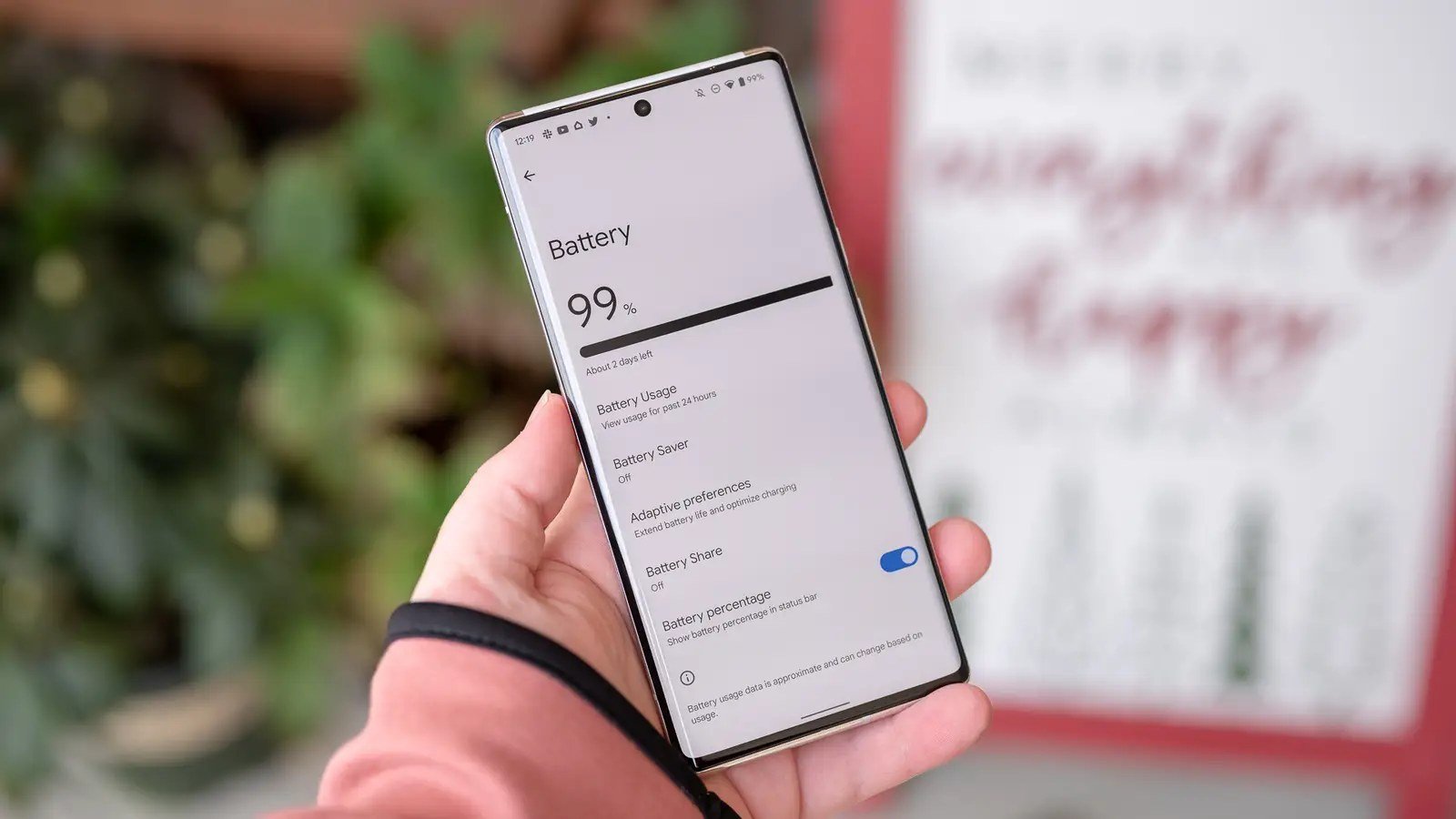
Next biggest drain: apps working when you’re not looking. Go to Settings > Battery > Battery usage and find your top offenders — it’s usually social media, shopping apps, and anything with an endless feed. For each, restrict background activity; the app still works perfectly when you open it, it just can’t party while closed.
Location is the other silent drain. Set location permission to ‘While using the app’ for everything except navigation and weather, and turn off Wi-Fi/Bluetooth scanning (Settings > Location > Location services) — your phone constantly scanning for networks it doesn’t need is pure waste. If overnight drain is your specific complaint, our Why does my phone battery drain so fast overnight guide digs into the nighttime culprits.
The highest-impact tweaks, ranked:
- Enable Adaptive Brightness and 30-second screen timeout; use dark mode on OLED.
- Restrict background activity for your top battery-draining apps.
- Set location to ‘While using’ and disable Wi-Fi/Bluetooth scanning.
- Turn off 5G hunting, NFC, and hotword detection you don’t use.
- Enable Adaptive Battery and scheduled Battery Saver as a safety net.
Networks: The Hidden Power Tax
Your radios work harder than you think. In weak-signal areas, the cellular radio burns power shouting to reach the tower — if you’re on Wi-Fi at home or work, that’s fine, but consider airplane mode in dead zones like basements or rural stretches. Turn off 5G if your carrier’s 5G is spotty in your area; a phone hunting for 5G it can barely hold drains faster than stable 4G.
Also disable features you don’t use: NFC, Nearby Share scanning, and ‘Hey Google’ hotword detection each sip power continuously. None of them matter individually, but together they’re a steady leak. Audit them twice a year — updates love to re-enable things.
Battery Modes, Health, and When to Replace
Use Adaptive Battery (Settings > Battery) — it learns which apps you actually use and throttles the rest. It’s genuinely smart and gets better over a week. Battery Saver mode is for emergencies, but the scheduled version (auto-enable at 20%) is a sensible safety net.
Check battery health if your phone shows it (many Samsung and Pixel phones do under Settings > Battery). Below 80–85% capacity, no settings tweak fully compensates — the battery is just worn. A $50–$80 professional replacement restores day-one endurance and is far cheaper than a new phone. And if you’re charging habits are the worry rather than the drain, see Is it safe to charge my phone overnight every night for what overnight charging really does.
The Bottom Line
How Do I Make My Android Phone Battery Last Longer? What Most People Get Wrong
The most misunderstood battery feature is the battery saver mode — people treat it as an emergency-only button, but the scheduled version (auto-enabling at 20% or at bedtime) is meant for daily use. Modern battery savers are smart: they throttle background activity and reduce visual effects without making the phone feel broken. Leaving scheduled saver on permanently is a legitimate strategy that costs you almost nothing in experience and buys real hours.
People also obsess over closing apps from the recents screen, which on Android is actively counterproductive — the system manages memory efficiently, and force-closing apps just makes the phone spend more energy relaunching them. The real battery killers are background location, constant syncing, and weak-signal hunting, not the apps sitting idle in your recents. Stop swiping apps closed; start auditing location permissions. One of these helps, the other is a ritual with no benefit.
Check which apps are exempt from battery optimization by default — manufacturers whitelist their own apps and popular ones, which means the worst offenders sometimes have a free pass. Go to Settings > Apps > Special app access > Battery optimization and review the ‘Not optimized’ list with fresh eyes. Social media and shopping apps you barely use don’t deserve exemptions. Revoking them is safe — the apps still work normally when opened; they just can’t run wild in the background anymore. Check this list every few months, since app updates love to quietly re-request exemptions.
Android battery life is mostly a settings problem, not a hardware problem. Tame the display, restrict background freeloaders, and stop the radios from hunting — that’s where the hours are. Do the top five tweaks above and you’ll feel the difference by tomorrow evening.
Android battery life rewards the unglamorous fixes: display settings, background restrictions, location hygiene, and realistic expectations about weak signals. Do the top five tweaks once and they keep paying off daily. The phone you have is probably fine — it just needs its settings tuned by someone who knows where the drains are.