
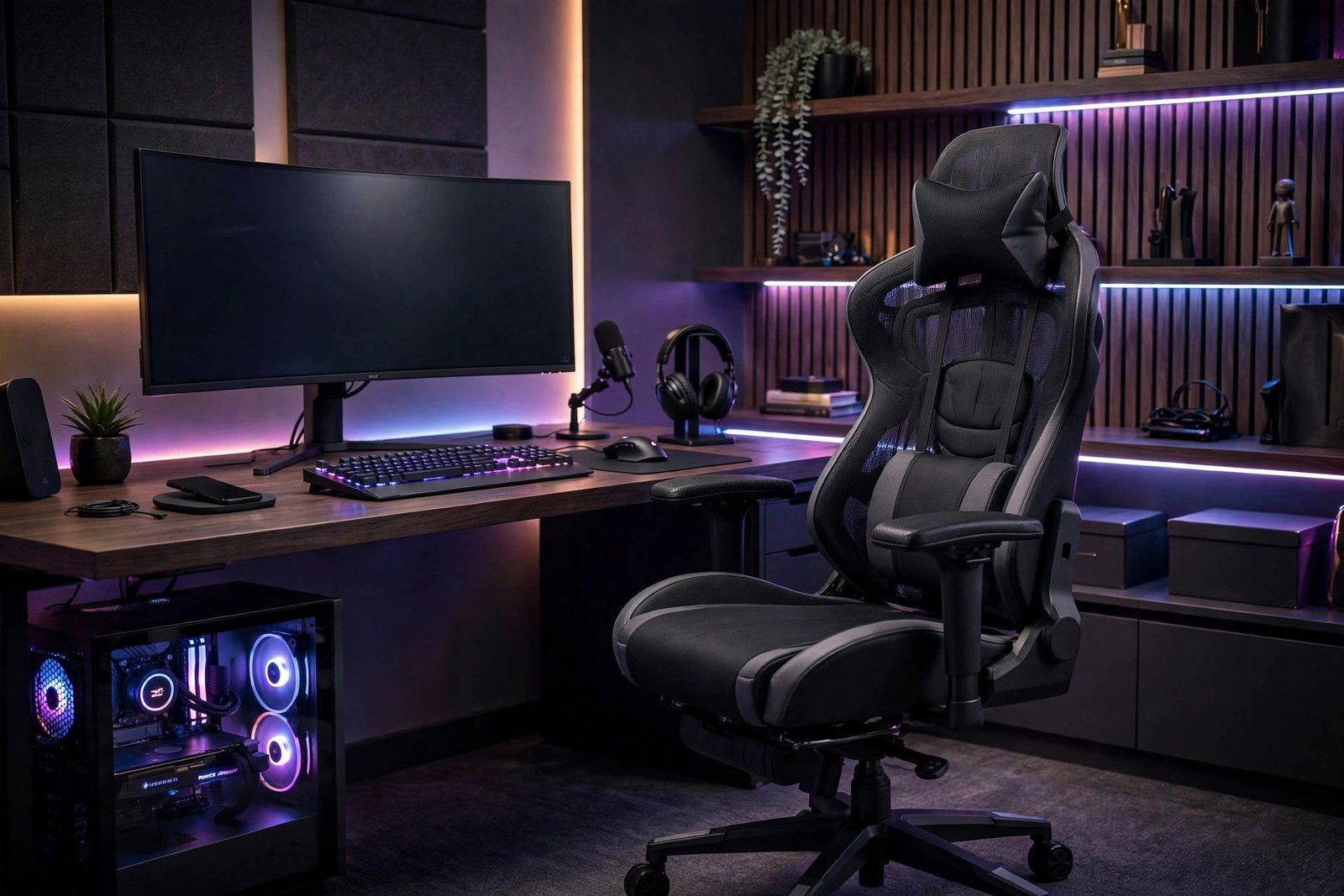
A gaming chair is the most mocked purchase in PC gaming — the racing-style thrones look absurd, the marketing is pure hype, and half the internet insists you should just buy an office chair. They are half right: many gaming chairs are overpriced style objects. But the underlying need is real — long sessions demand genuine ergonomic support, and choosing well (whether “gaming” or office) protects your back, neck, and focus for thousands of hours.
Here is how to choose: what actually matters ergonomically, when gaming chairs make sense, when office chairs win, and the specific features worth paying for.
What Your Body Needs for Long Sessions
Ergonomics first, aesthetics never. The non-negotiables for 4+ hour sessions:
- Lumbar support: the lower back’s natural curve must be supported — this is the number one source of gaming-related back pain. Look for adjustable lumbar (built-in mechanism beats a throw pillow).
- Seat depth and width: you should sit with your back against the backrest and 2–3 fingers of space behind your knees. Too deep cuts leg circulation; too narrow compresses hips.
- Adjustable armrests (4D ideal): height, width, depth, and angle adjustment let you position arms to reduce shoulder strain. Fixed armrests that do not match your desk height are worse than none.
- Recline with tilt lock: the ability to recline 120–135° and lock — upright for competitive play, reclined for cinematic sessions. Infinite recline to 180° is a gimmick; useful tilt range is not.
- Headrest that reaches your head: many “racing” chairs’ headrests sit below the head of anyone over 5’10” — check the height range against your body.
- Breathable materials: PU leather looks premium and cooks you alive in summer. Fabric/mesh breathes; real leather (at premium prices) does both.
Gaming Chairs vs. Office Chairs: The Honest Comparison
- Gaming (racing-style) chairs: strengths are bold aesthetics, high backrests, and recline ranges office chairs rarely match. Weaknesses: the bucket-seat bolsters restrict movement (designed for car corners, not humans), lumbar support is often a cheap pillow rather than a mechanism, and quality varies wildly — the $150 models are genuinely bad for your back.
- Ergonomic office chairs: strengths are evidence-based ergonomics, adjustable everything, mesh breathability, and designs validated by actual research. Weaknesses: aesthetics (they look like offices), and premium models cost as much as high-end gaming chairs.
- The verdict: for pure ergonomics, a good ergonomic office chair (Herman Miller Aeron/Embody, Steelcase Leap, or quality mid-range like Hyken) beats most gaming chairs. For the gaming aesthetic with decent ergonomics, the premium gaming brands (Secretlab Titan, AndaSeat Kaiser) have closed the gap significantly — their current flagships are legitimately good chairs, not just styled ones.
What to Look For at Each Price Tier
- Under $200: danger zone — most are style over substance with fake lumbar pillows and short lifespans. If this is the budget, a used quality office chair beats a new cheap gaming chair every time.
- $200–$400: the sweet spot — Secretlab Omega/Titan (on sale), AndaSeat, and quality fabric options. Expect adjustable armrests, decent lumbar mechanisms, and 3–5 year lifespans.
- $400–$700: premium gaming chairs and entry ergonomic office chairs overlap here. Choose by priority: aesthetics + recline (gaming flagship) vs. all-day ergonomic refinement (office).
- $700+: Herman Miller, Steelcase — the buy-it-for-a-decade tier. Justifiable if you work and game at the same desk; the per-hour cost over ten years is trivial.
Fitting the Chair to Your Body and Setup
- Size up correctly: chair size charts exist for a reason — a 6’3″ gamer in a standard-size chair gets no headrest support and cramped seating. Measure yourself against the manufacturer’s ranges.
- Desk height synergy: the chair matters less if your desk forces bad posture. Ideal: feet flat, knees at ~90°, elbows at ~90° with shoulders relaxed. A footrest fixes chairs that sit too high; a desk that is too high needs addressing directly.
- Posture habits: the best chair cannot fix the forward-head perch. Consciously use the backrest, keep the monitor at eye level, and take movement breaks — desk posture fundamentals apply identically to gaming setups.
- Break discipline: stand and move every 60–90 minutes regardless of chair quality. No chair makes 8 unbroken hours healthy — pair the purchase with lower-back stretches for long-session recovery.
RTINGS’ chair testing and Wirecutter’s office chair guides offer the most rigorous independent evaluations, while PC Gamer’s hardware section tracks the gaming-specific options.
The Sitting-Rotation Strategy
Here is what ergonomists actually recommend but chair marketing never mentions: no single sitting position is healthy for hours — the healthiest approach is rotation. Alternate between your chair, a standing desk position (even a cheap converter), and the couch for casual play. The body thrives on position changes; it deteriorates in any fixed posture, however ergonomic. Budget accordingly: a $300 chair plus a $150 standing converter beats a $600 chair used exclusively. Movement variety outperforms any single product — the best ergonomic investment is the one that gets you out of the chair periodically.
Red Flags When Shopping
Steer clear of: no-name brands with only rendered product images (no real photos means no real product testing), “gaming” chairs under $150 (the economics do not allow quality at that price — something structural was sacrificed), lumbar “support” that is just a strap-on pillow (it migrates, compresses, and provides no real support), weight limits below your body weight (exceeding them voids warranties and breaks mechanisms), and reviews mentioning chemical smells (cheap PU leather off-gasses; air new chairs out before long sessions). When in doubt, the used market for quality office chairs (Herman Miller Aerons routinely sell for $300–400 used) outperforms every budget gaming chair ever made.
Frequently Asked Questions
Are gaming chairs bad for your back?
Cheap ones, often yes — poor lumbar support and restrictive bolsters cause more problems than they solve. Quality gaming chairs (Secretlab Titan-tier and up) are genuinely ergonomic. The category is not the problem; the price tier is.
Should I get a gaming chair or an office chair?
For ergonomics: office chair. For gaming aesthetics with good ergonomics: premium gaming chair. For budget: used quality office chair beats new cheap gaming chair. Match to your priority — there is no universal winner.
How long should a good gaming chair last?
Quality chairs: 5–10 years (with replaceable parts extending further). Cheap chairs: 1–3 years before the padding collapses and mechanisms loosen. Lifespan is one of the clearest quality signals — and part of the true cost calculation.
Do I need a footrest with a gaming chair?
If your feet do not rest flat when the seat is at the right height for your desk, yes — dangling feet compress the thighs and wreck posture. A $30 footrest fixes what a $500 chair cannot.
What is the best gaming chair for tall people?
Look for XL/large sizing explicitly (Secretlab Titan XL, AndaSeat Kaiser 4 XL) — standard chairs leave tall users without headrest support. Check the manufacturer’s height/weight ranges rather than assuming; “one size” chairs fit the median, not the margins.
The Bottom Line
Choose a gaming chair like ergonomic equipment, not furniture: adjustable lumbar mechanism, 4D armrests, size matched to your body, breathable materials, and a price tier ($200+) where quality exists. Consider quality office chairs without prejudice — they often win on pure ergonomics. And remember the chair is one component of a posture system: desk height, monitor position, movement breaks, and stretches matter as much as what you sit on.