
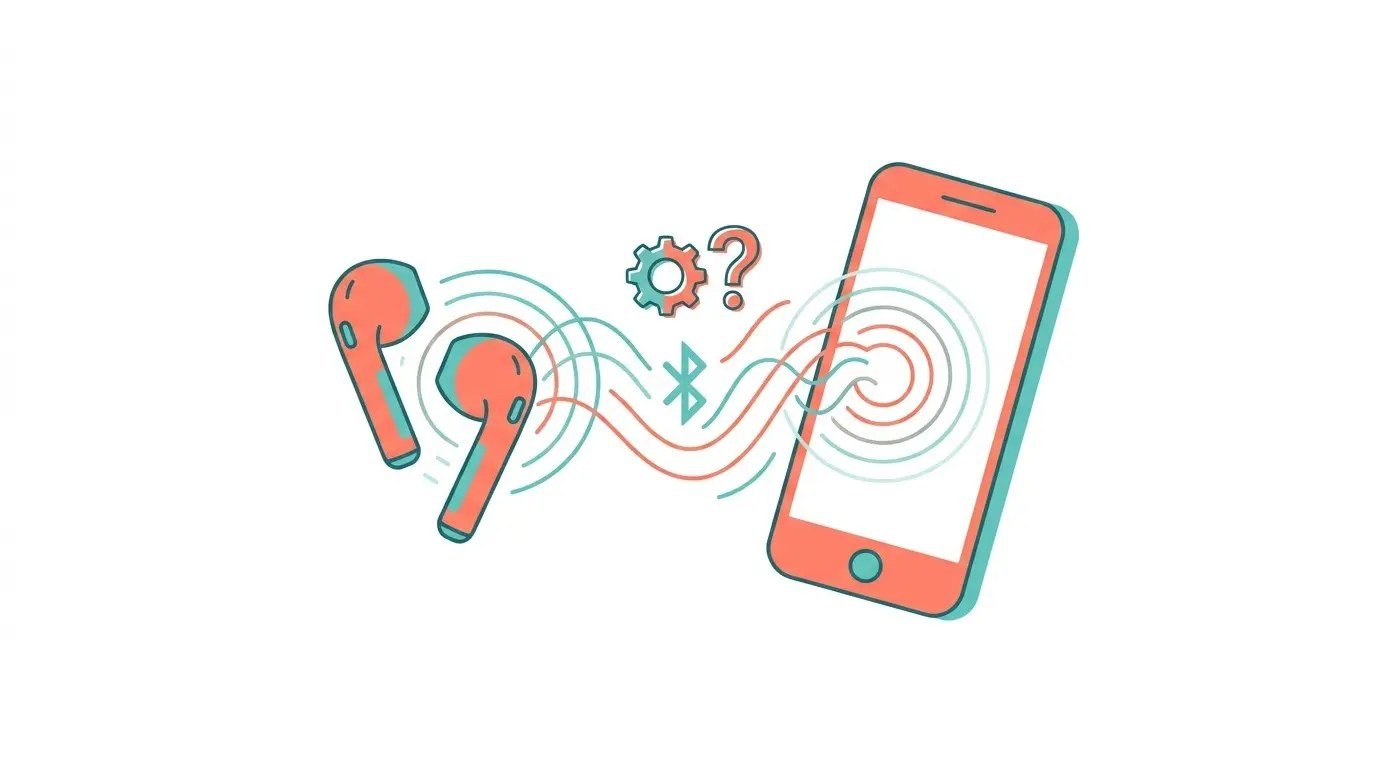
Why Do My Wireless Earbuds Disconnect From My Phone Randomly?

Why do my wireless earbuds disconnect from my phone randomly? You’re mid-song, mid-call, mid-workout — and silence. Then the frantic re-pairing dance. It’s infuriating, and it’s one of the most common wireless audio complaints there is.
I’ve debugged this on probably a dozen pairs of earbuds, and the causes are surprisingly consistent — and mostly fixable. Before you declare the earbuds defective, work through this list.
Why Do My Wireless Earbuds Disconnect From My Phone Randomly? The Usual Causes
Bluetooth is a short-range, interference-prone technology operating in the crowded 2.4 GHz band — the same airspace as Wi-Fi, microwaves, and every other wireless gadget you own. Random disconnects usually mean one of four things: signal interference, low battery (earbuds get flaky well before they die), outdated firmware with connection bugs, or the phone’s aggressive battery optimization killing the Bluetooth connection.
The pattern of the disconnects is diagnostic: drops in specific locations (near the microwave, at the gym, in busy offices) point to interference; drops when battery is low point to power; drops everywhere, all the time, point to firmware or a dying battery. Note your pattern before changing anything — it tells you where to look.
Interference: The Invisible Culprit
Your body is mostly water, and water blocks 2.4 GHz signals beautifully — which is why earbuds often stutter when your phone is in a back pocket or a bag, with your torso between phone and buds. Keep the phone on the same side as the primary bud, or better yet, in a front pocket or armband during workouts.
Environmental interference matters too: busy gyms (dozens of Bluetooth devices), offices with heavy Wi-Fi, and USB 3.0 ports/hubs near the phone (they spew 2.4 GHz noise — a documented, real phenomenon) all cause drops. If disconnects cluster in one location, it’s the environment, not the earbuds. Switching your nearby Wi-Fi to 5 GHz where possible reduces 2.4 GHz congestion meaningfully.
Stabilize your connection, in order:
- Keep the phone on the same side as the main bud; front pocket beats back pocket.
- Charge fully and clean the charging contacts — low battery causes phantom drops.
- Update earbud firmware and phone OS; re-pair from scratch if flakiness persists.
- Exempt the earbuds app from Android battery optimization.
- Reduce 2.4 GHz congestion: move nearby Wi-Fi to 5 GHz where possible.
Battery, Firmware, and Phone Settings
Earbuds lie about battery — many start dropping connections at 20–30% as voltage sags. If drops correlate with low battery, that’s just physics; charge more often. Also clean the charging contacts: pocket lint on the contacts means the buds never fully charge, so they live in a permanent low-battery state. A toothpick and a dry cloth fix this in a minute.
Update everything: earbud firmware (via the manufacturer’s app — these updates specifically fix connection bugs), and your phone’s OS. Then check the phone’s battery optimization: on Android, exempt your earbuds’ app from battery optimization (Settings > Apps > Special access), because aggressive doze modes kill Bluetooth connections to ‘save power.’ On iPhone, toggle Bluetooth off and on, and ‘Forget’ then re-pair buds that have been flaky for weeks — it clears corrupted pairing data. If you’re shopping for a more reliable pair, our What are the best affordable wireless earbuds for workouts workout earbud picks prioritize stable connections.
When It’s Actually the Hardware
Some disconnects are just defective hardware: one bud consistently worse than the other, drops that started suddenly after a drop or water exposure, or buds that won’t hold a charge. Check the warranty — most quality earbuds carry at least a year, and manufacturers replace flaky units with minimal hassle.
Also know the Bluetooth version gap: ancient Bluetooth 4.x earbuds paired with modern phones miss out on a decade of connection-stability improvements. If your earbuds are 5+ years old and constantly dropping, the honest fix is upgrading — modern Bluetooth 5.2+ with multipoint is dramatically more stable. The $30–$50 tier in 2026 is shockingly good; suffering with ancient buds isn’t noble, it’s just annoying.
The Bottom Line
Why Do My Wireless Earbuds Disconnect From My Phone Randomly? Pro Tips
Pro tip: if you use earbuds with a laptop and phone simultaneously, multipoint connection is the feature that matters most — and it’s also a common source of drops when implemented badly. If your earbuds stutter, try disabling multipoint and pairing to one device at a time; the stability improvement is often dramatic. A rock-solid single connection beats a flaky dual one every time.
Also: keep the earbuds’ firmware updated even when they’re working fine. Manufacturers quietly fix connection bugs, improve multipoint handoffs, and patch battery reporting in updates most users never install. Check the companion app monthly — it takes two minutes and prevents an entire category of ‘they were working yesterday’ mysteries. And if one bud consistently dies first, check whether it’s the primary bud handling the phone connection; some models let you switch primary/secondary roles to balance the load.
If you take calls on your earbuds, test the microphone quality before depending on it — budget buds often have terrible mics that make you sound like you’re in a wind tunnel, which matters for work calls. Check reviews specifically mentioning call quality, or test with a friend before an important meeting. Some $40 buds have shockingly good mics; others are unusable. It’s the most variable quality in budget audio, and the spec sheets never tell you. For important calls, a wired headset remains the reliability king.
Random earbud disconnects are usually interference, low battery, or software — not broken hardware. Fix your phone placement, keep them charged with clean contacts, update firmware, and tame battery optimization. If one bud is consistently worse or they’re ancient, that’s hardware telling you it’s time. Most people never need to get that far.
Most earbud disconnects are environmental or maintenance issues, not defects: phone placement, battery state, firmware age, and interference. Work through those before declaring the hardware dead. And when you do upgrade, multipoint done well and Bluetooth 5.3+ make the experience dramatically better than the old days.