
Star Citizen Purchased Ship Not Showing Up: What You Need to Know
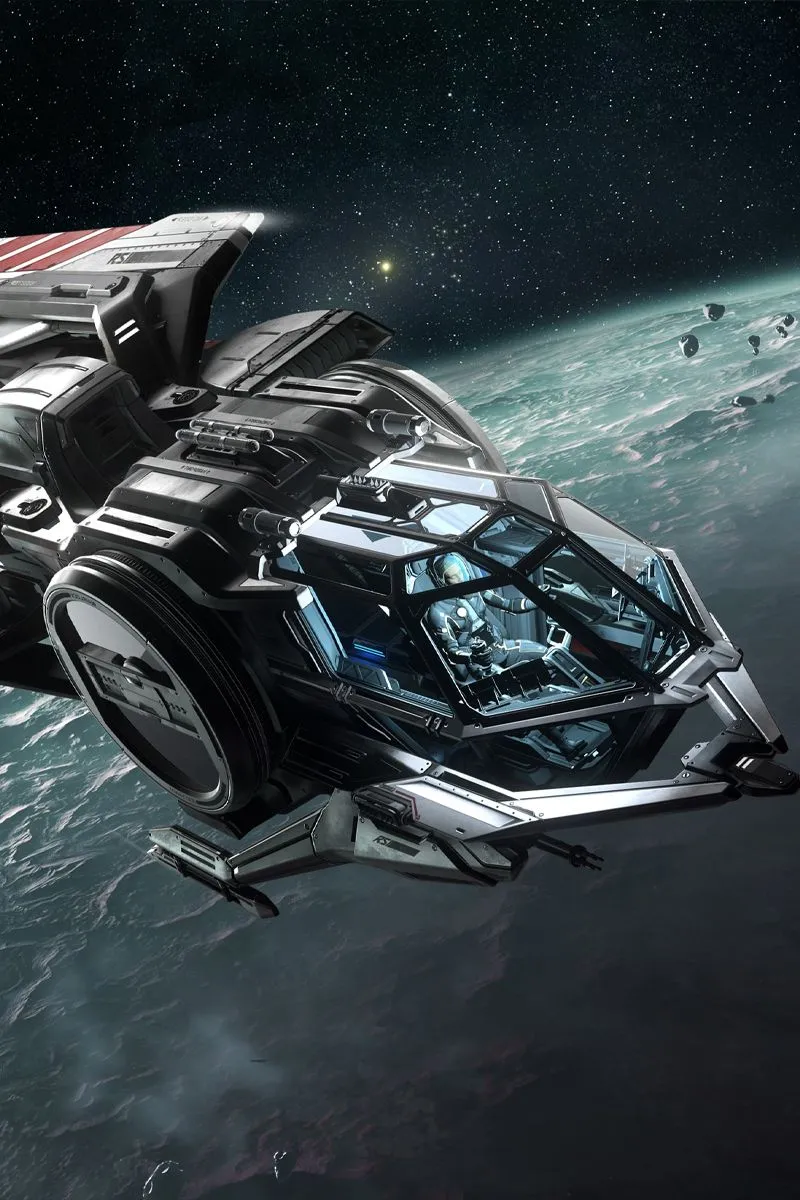
Direct Answer: If your purchased ship isn’t showing up in Star Citizen, first confirm it in My Hangar on robertsspaceindustries.com. In-game, check the ASOP (vehicle retrieval) terminal at any station. Common fixes include claiming the ship for insurance delivery, performing a character reset, and making sure a ship upgrade was actually applied. Rented or loaner ships don’t appear in your hangar at all.
Why Your Ship Might Be Missing
Star Citizen is still in alpha, and ships go missing for a handful of predictable reasons: an upgrade that was bought but never applied, a ship destroyed and waiting on an insurance claim, a rental being confused with a purchase, or a sync bug between your account and the game servers. Work through the steps below in order — most players find their ship by step 3 or 4.
Step 1: Confirm the Purchase in My Hangar
- Go to robertsspaceindustries.com and log in.
- Click My Hangar to see your pledges.
- Find the ship. Check whether it says the ship itself or an upgrade (CCU).
- If it’s an upgrade you bought but never applied: click the dropdown arrow on the upgrade and select Apply Upgrade, choosing the pledge to upgrade from. Until you apply it, the new ship won’t exist on your account.
This is the #1 cause of “missing” ships — the upgrade sits unapplied in the hangar.
Step 2: Check the ASOP Terminal In-Game
Ships don’t appear in your personal inventory like items. You retrieve them at vehicle terminals:
- Go to any major station or city and find an ASOP terminal (the vehicle retrieval kiosk).
- Open it and look through the ship list carefully — scroll, don’t just glance.
- If the ship was destroyed, it may show as needing an insurance claim. File the claim and wait for delivery (expedited delivery costs a small in-game fee).
- Check whether the ship is listed at a different location — ships stay where you last left them.
Step 3: Rule Out Rentals and Loaners
- Ships rented with REC (earned in Arena Commander) only work in Arena Commander — they never appear in the Persistent Universe.
- Loaner ships given for concept ships that aren’t flight-ready yet don’t appear in your hangar; only the ship you actually purchased does.
- If you melted a pledge for store credit and re-bought something else, double-check what the new pledge actually contains.
Step 4: Try a Character Reset
A character reset (now called “character repair”) fixes a huge class of account-sync bugs:
- Log in on the RSI website and go to your account settings.
- Find the Character Reset / Repair option and confirm it.
- Wait for it to complete, then log back into the game.
- Check the ASOP terminal again.
A reset keeps your purchased ships and items — it repairs the link between your account and the game, which is exactly what breaks when ships vanish.
Step 5: Network and Client Fixes
- Restart your router and flush DNS. RSI’s own known-issues notes have recorded cases where this resolved ships not appearing in ASOP terminals.
- Update the game. Missing-ship bugs are frequently tied to patch versions — make sure you’re on the latest.
- Verify game files through the RSI launcher to rule out a corrupt install.
Step 6: Contact Support
If nothing above works, open a ticket with RSI Support (support.robertsspaceindustries.com). Include: your RSI handle, the exact ship name, the order/pledge date, what My Hangar shows, and which fixes you’ve already tried. Also check the Issue Council to see if other players report the same bug — widespread issues get fixed faster when they’re well-reported.
Common Mistakes
- Never applying a CCU upgrade. Buying the upgrade is only half the job.
- Looking in the wrong terminal. Ground vehicles and ships have separate retrieval lists.
- Expecting rentals in the PU. REC rentals stay in Arena Commander.
- Panicking after a patch. Post-patch ship weirdness is common; a character reset usually clears it.
- Forgetting insurance claims. A destroyed ship isn’t gone — it just needs claiming at the terminal.
FAQs
Why is my upgraded ship not showing up in Star Citizen?
You probably bought the upgrade but didn’t apply it. Go to My Hangar, find the upgrade, click Apply Upgrade, and select the pledge to upgrade from.
Do loaner ships show in my hangar?
No. Loaner ships don’t appear in your hangar — only ships you actually purchased are listed there.
Will a character reset delete my ships?
No. A character reset/repair keeps your pledges, ships, and items. It fixes the account-to-game sync that causes ships to vanish.
Can I use REC-rented ships in the Persistent Universe?
No. Ships rented with REC only work in Arena Commander and Star Marine simulations.
My ship shows in the hangar but not in-game. What now?
Check ASOP terminals at multiple locations, file an insurance claim if it’s listed as destroyed, then try a character reset.
How long does an insurance claim take?
Standard claims take several minutes of real time; you can pay a small in-game fee to expedite delivery.
Should I report it on the Issue Council?
Yes, if the standard fixes fail — especially after a new patch. Detailed reports with your ship, location, and steps tried help the devs reproduce it.
Conclusion
A purchased ship not showing up in Star Citizen is almost always one of a few things: an unapplied upgrade, a ship waiting on an insurance claim, a rental mistaken for a purchase, or an account-sync hiccup fixed by a character reset. Check My Hangar first, then the ASOP terminal, then reset — and if all else fails, RSI Support can sort out your pledge.
Related guides: how to upgrade your ship in Star Citizen, how to claim ship insurance in Star Citizen, and how to perform a character reset in Star Citizen. Official help: RSI Support and the ship upgrade FAQ.