
How to Change Starsector Battle Size: Step-by-Step Guide (2026)
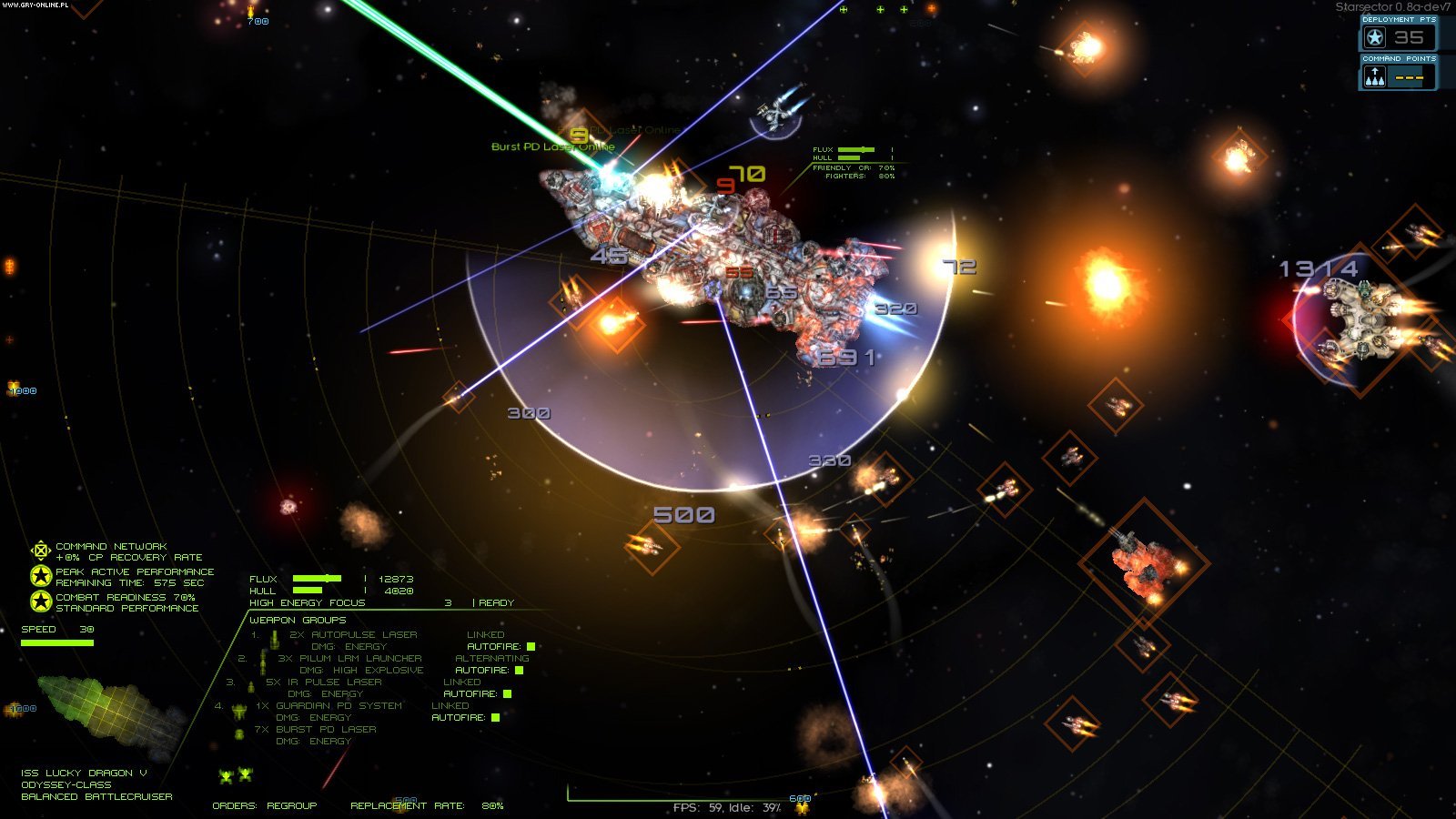
Direct Answer: In Starsector, go to Main Menu → Settings → Combat and adjust the “Battle size” slider (default 300, max 500). For values above 500, edit settings.json and change “battleSize” manually. Bigger battles need a faster CPU.
Starsector’s default battle size of 300 deployment points can feel small once you start fielding capital ships and massive fleets. Whether you want epic 500-point clashes or need to lower it for smoother performance on an older PC, changing the battle size is quick and easy.
This guide covers both methods — the in-game menu and the settings file — plus what values to use and how battle size affects performance.
Method 1: Change Battle Size In-Game (Easiest)
- From the main menu (or pause menu during a campaign), click Settings.
- Go to the Combat tab.
- Find the “Battle size” slider.
- Drag it to your desired value — from 100 up to 500.
- Click Apply or Save. The change takes effect in your next battle.
This is the method most players should use. No file editing, no restarts — just move the slider.
Method 2: Edit settings.json (For Values Above 500)
The in-game slider caps at 500. If you want truly massive battles (at your own risk), edit the config file directly:
- Close Starsector completely.
- Open your Starsector install folder, then go to starsector-core → data → config.
- Open settings.json in a text editor (Notepad, VS Code, etc.).
- Find the line:
"battleSize": 300, - Change 300 to your desired value (e.g.
"battleSize": 800,). - Save the file and launch the game.
Important: Make a backup copy of settings.json before editing. A typo in this file can prevent the game from launching. If that happens, restore your backup.
What Battle Size Should You Use?
- 200–300 (default): Best for most players. Balanced battles, smooth performance on average PCs.
- 400–500: Bigger, more dramatic fleet battles. Recommended if you have a modern CPU (6+ cores).
- 600–800: Huge battles with dozens of ships. Expect slowdowns unless you have a high-end CPU. Modded games with extra factions often use these values.
- 100–200: Smaller, faster battles. Good for low-end PCs or if you prefer tight tactical fights.
How Battle Size Affects Performance
Battle size controls how many deployment points each side can field at once — not the number of ships directly, but bigger values mean more and larger ships on screen.
Starsector is CPU-bound during battles. The game calculates AI, weapons, and collision for every ship, fighter wing, and missile. Doubling the battle size roughly doubles the CPU load. Your graphics card matters less here.
Signs your battle size is too high:
- The game slows to a crawl during big fights
- Noticeable stuttering when many ships are on screen
- Battles take much longer in real time (the game auto-slows to keep up)
If you see these, lower the battle size by 100 and test again.
Battle Size and Mods
Many popular Starsector mods assume a larger battle size. If you play with faction mods that add capital-heavy fleets, bumping battle size to 400–500 gives those modded ships room to shine.
Some total-conversion mods even recommend specific values in their descriptions — always check the mod page first. For more modding help, see our guide on how to install Starsector mods.
Common Mistakes
- Setting it to 1000+ on a mid-range PC. The game will technically accept it, but battles become slideshows. Stay within what your CPU can handle.
- Editing settings.json while the game is running. The game overwrites the file on exit. Always close Starsector first.
- Forgetting to back up settings.json. One misplaced comma breaks the whole file. Copy it before you edit.
- Confusing battle size with fleet size. Battle size limits how much deploys at once. Your total fleet can be much larger — reinforcements arrive as ships are destroyed.
FAQs
What is the default battle size in Starsector?
300 deployment points per side. This has been the default for years and suits most playthroughs.
What is the maximum battle size?
The in-game slider goes up to 500. Via settings.json, there is no hard cap, but values above 800–1000 cause severe performance problems on almost any PC.
Does battle size affect the campaign map?
No. Battle size only affects tactical combat. Campaign-level fleet sizes are controlled separately. If you want bigger campaign fleets too, check our guide on Starsector console commands.
Will a bigger battle size break my save?
No — battle size is a setting, not save data. You can change it freely mid-campaign and it applies to your next battle.
Why do my battles still feel small at 500?
Battle size sets the maximum deployment points, but the actual battle size also depends on your fleet and the enemy fleet. If neither side has 500 points worth of ships, the battle stays small. Build a bigger fleet!
Does battle size affect XP or loot?
Not directly. Bigger battles mean more destroyed ships, which means more salvage and XP from a single fight — but the per-ship rewards are unchanged.
The Bottom Line
Use the in-game Settings → Combat slider for values up to 500 — it is fast and safe. Edit settings.json only if you need more than 500, and back up the file first. Match the battle size to your CPU: 300 for average PCs, 400–500 for strong rigs, and lower it if battles start to chug.
For more Starsector guides, check our best Starsector mods in 2026 roundup, the official Starsector wiki, and the Fractal Softworks forum for community advice.