That little blue checkmark next to an artist’s name on Spotify signals legitimacy — it tells listeners, playlisters, and industry folks that this is the real artist, not an impersonator or a fan upload. For independent artists, getting verified is also the gateway to Spotify for Artists, the dashboard that unlocks pitching, analytics, and profile control.
This guide walks through exactly how to get verified on Spotify as an artist: who qualifies, the step-by-step process, what verification actually unlocks, and how to make the most of it once you have it.
What Spotify Verification Actually Is
Spotify verification — the blue checkmark — confirms that an artist profile genuinely represents the artist. It is granted automatically when you claim your profile through Spotify for Artists; there is no separate application, no follower threshold, and no fee. If your music is distributed to Spotify (through DistroKid, TuneCore, CD Baby, or any distributor), you are eligible right now.
This surprises many artists who assume verification requires fame or label backing. It does not. The checkmark is about identity, not status — Spotify wants listeners to trust that the profile is authentic. What does require effort is everything verification unlocks, which is where the real value lies.
Step-by-Step: Claiming Your Profile
Step 1: Get your music on Spotify. You need at least one release live (or delivered with a future date) through a distributor. If your music is not on Spotify yet, nothing else in this process works — distribution comes first.
Step 2: Go to Spotify for Artists. Visit Spotify for Artists and click “Claim your profile.” You will search for your artist name and select the correct profile — be careful here, as name collisions happen; verify it is your music before claiming.
Step 3: Verify your identity. Spotify confirms you are the artist (or their authorized representative) through your distributor account, social media links, or label verification. This usually takes a few days. Link your Instagram, X, or other socials — matching online identities speed approval.
Step 4: Get instant access, checkmark follows. You get dashboard access immediately upon approval, and the blue checkmark appears on your profile shortly after. If the checkmark does not appear within a week, Spotify’s artist support documentation covers troubleshooting — but delays are rare.
Common claiming problems
The most frequent issue is duplicate or split artist profiles — when your distributor creates a new profile instead of adding to your existing one. Fix this through your distributor (they can merge profiles) before claiming. Another common snag: claiming the wrong artist with a similar name. Double-check the music on the profile matches yours before submitting.
What Verification Unlocks
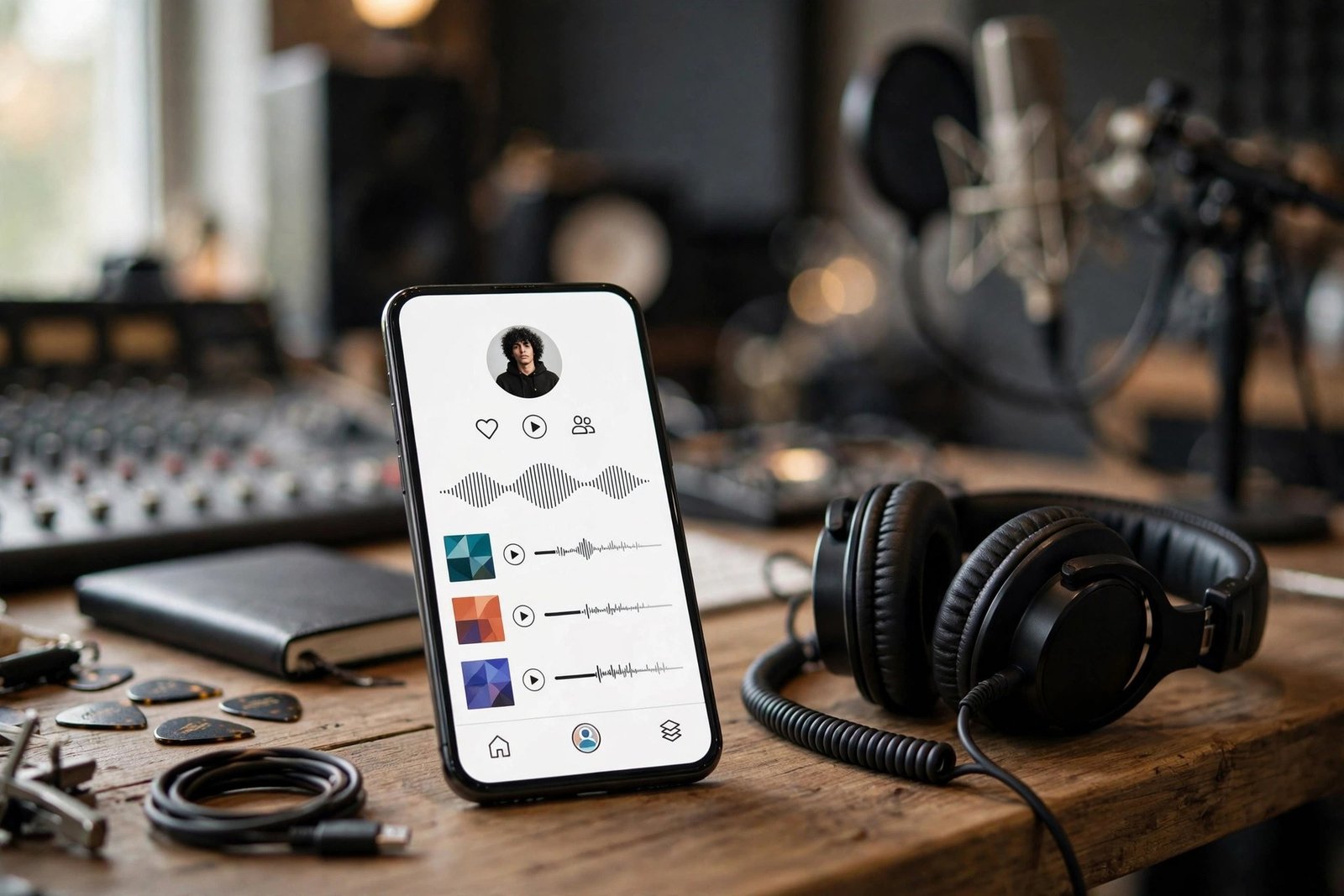
The checkmark is cosmetic; the dashboard is the prize. Spotify for Artists gives you: profile control — bio, photos, artist pick (pin a song, playlist, or merch), and social links; pitching access — the editorial playlist pitch tool, the single most valuable feature for growing artists; analytics — real-time stream data, listener demographics, playlist adds, and geographic breakdowns that inform touring and marketing;
Canvas and Clips — short looping visuals and video messages that boost engagement; merch integration and ticket listings through partners; and Marquee and Showcase — paid promotion tools for releases. None of this requires the checkmark to matter — but the checkmark makes your profile look professional to everyone who lands on it, which compounds every other effort. Artists who support local artists and musicians by sharing these tools widely tend to build stronger scenes — verification knowledge is worth passing on.
Making Verification Work: Profile Optimization
A verified profile with an empty bio and a blurry photo wastes the opportunity. Optimize immediately: write a compelling 150-word bio (current, specific, with a story angle — not “X is an artist making music”), upload a high-quality artist image (1500×1500 minimum, face visible, no text overlays), and set your Artist’s Pick to your current priority release.
Link everything: Instagram, X, TikTok, your website, merch, and tour dates. Create an “Artist Playlist” featuring your music alongside influences — it gives fans a reason to follow your profile and keeps them in your ecosystem. Update the bio and pick with every release cycle; a stale verified profile signals an inactive artist. And study your analytics monthly: which cities stream you most (tour there), which playlists drive listeners (pitch similar ones), which songs retain (promote those).
Verification Myths, Debunked
Myth: You need a certain number of followers. False — brand-new artists with one single get verified. Myth: Verification boosts your streams. The checkmark itself does not affect algorithms; the tools it unlocks do. Myth: You can lose verification. Extremely rare — it happens only for impersonation or terms violations. Myth: Distributors charge extra for it. Claiming is free; your distributor may charge for distribution itself, but verification costs nothing.
Myth: Verification means Spotify endorses you. It means you are who you say you are — nothing more. Editorial playlist placement, algorithmic promotion, and listener growth all still require the work: great music, smart pitching, and consistent releases. The checkmark opens the toolbox; you still have to build the house. Fans who discover new music beyond algorithm playlists judge you on the music, not the badge — keep the focus there.
One more practical tip: after claiming, connect Spotify for Artists to your distributor’s analytics if offered, and enable notifications for playlist adds and milestones. Knowing the moment your song lands on a playlist lets you amplify it on socials while the momentum is hot — timing your own promotion to Spotify’s signals is a small habit that compounds fast.
Conclusion
Getting verified on Spotify as an artist is refreshingly simple: distribute your music, claim your profile through Spotify for Artists, verify your identity, and the blue checkmark follows. The real work — and the real value — is what comes next: optimizing your profile, pitching editorial playlists, studying your analytics, and releasing consistently. Verification is the starting line, not the finish. Claim it today, then get to work.
Frequently Asked Questions
How long does Spotify verification take?
Dashboard access is typically granted within a few days of claiming; the blue checkmark usually appears within a week. Delays most often come from identity verification issues or distributor profile mismatches.
Can I get verified before my music is released?
Yes — if your distributor has delivered the track to Spotify with a future release date, the profile exists and can be claimed. This is actually the ideal timing, since it lets you pitch editorial playlists before release day.
Is Spotify verification free?
Yes, completely free. You pay your distributor for distribution (many charge annual or per-release fees), but Spotify charges nothing for claiming your profile or the verification checkmark. Anyone asking for payment for “Spotify verification” is scamming you.
What if someone else claimed my artist profile?
Contact Spotify for Artists support with proof of identity (distributor account access, official socials, government ID matching the artist name). Spotify takes impersonation seriously and will transfer rightful profiles. This is also why claiming early — before conflicts arise — is smart.
Does the blue checkmark increase my streams?
Not directly — Spotify’s algorithms do not favor verified profiles. The checkmark builds listener trust and professional credibility, and the dashboard tools verification unlocks (pitching, analytics, profile control) are what actually drive growth.