
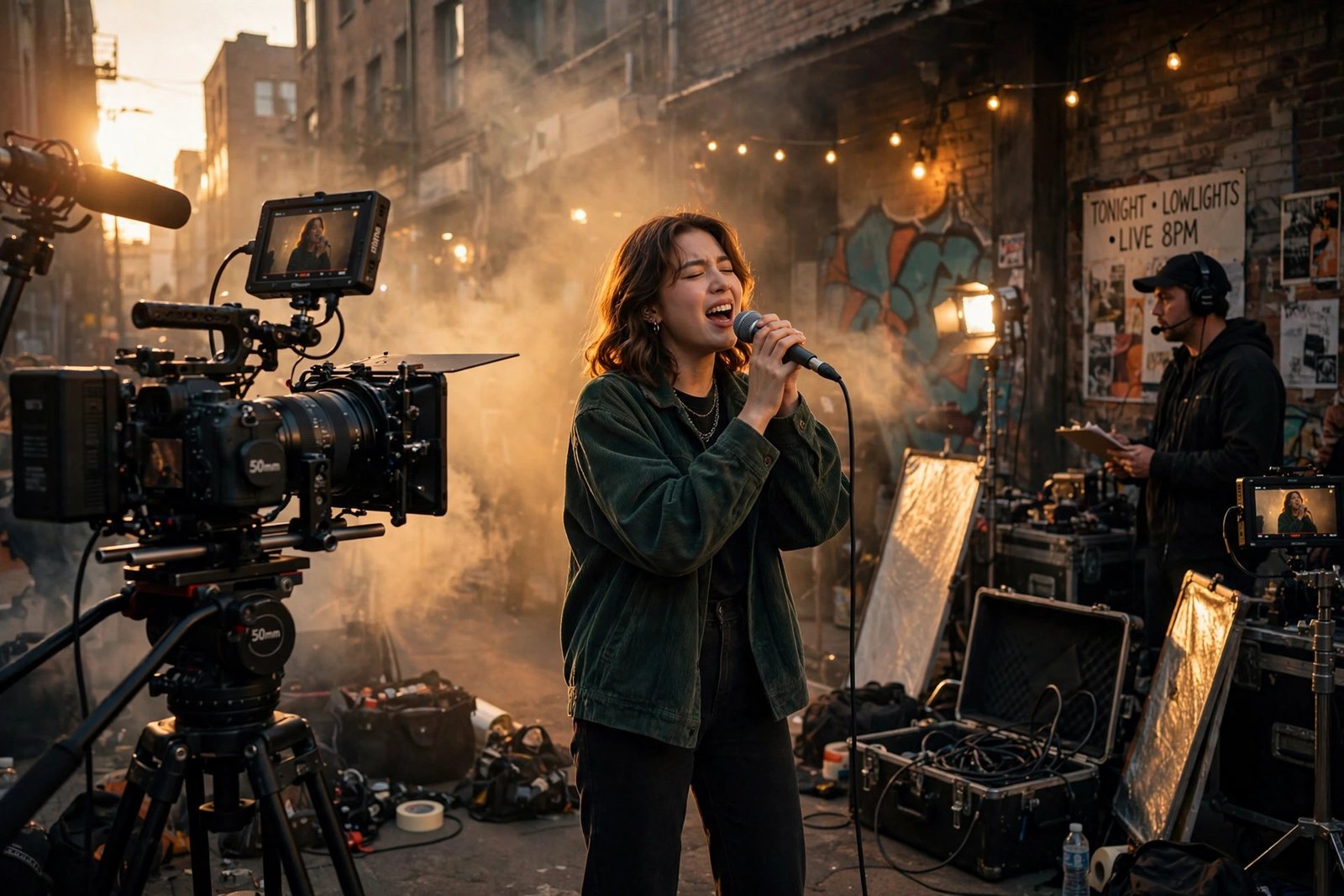
Some of the most iconic music videos ever made cost less than a used car — OK Go’s treadmill masterpiece, countless viral hip-hop visuals, entire indie careers launched from a single camera and a good idea. In 2026, the budget music video isn’t a compromise; it’s an aesthetic. The tools have never been cheaper, the platforms have never been hungrier for content, and audiences have never cared less about production gloss versus genuine vision.
Here’s how to film a music video on a budget that looks intentional rather than cheap: the gear, the planning, the shoot-day discipline, and the post-production that sells it.
The Budget Reality: What Things Actually Cost
Define your tier honestly. $0–$500 (DIY): your phone, natural light, friends as crew, free editing software — entirely viable for performance videos, lyric videos, and concept pieces. $500–$2,000 (indie): rented camera/lenses for a weekend, a couple of lights, a small paid crew (DP + PA), location permits for public spaces. $2,000–$10,000 (serious indie): proper cinema camera rental, gaffer/grip, art direction, wardrobe, professional color grade. Each tier can produce excellent work; the failures come from spending like a higher tier without the planning to support it.
The golden rule: spend on what the camera sees — locations, wardrobe, lighting, and art direction show up on screen; almost nothing else does. A $200 location with a $0 camera beats a $0 location with a $2,000 camera, every time. No Film School is the best free resource for budget filmmaking technique; StudioBinder’s production guides cover planning and shot-listing thoroughly.
Gear: What You Need (and Don’t)
Camera: a modern smartphone (iPhone 15+/Pixel 8+ era) shoots genuinely good 4K — for many budget videos, it’s enough. Step up: rent a mirrorless camera (Sony A7S III, Canon R5C) for $150–$300/weekend rather than buying. Lenses matter more than bodies: a fast 50mm prime ($30–$60 rental) gives you the creamy bokeh that reads as “cinematic” more than any camera body. Stabilization: a gimbal ($40–$80 rental) or even a well-handled tripod beats shaky handheld — the #1 visual difference between amateur and professional footage.
Lighting: this is where budgets should go. A basic 2–3 light LED kit rents for $75–$150/weekend and transforms everything. Or go natural: golden hour (the hour before sunset) is free, flattering, and the most forgiving light in existence — plan your shoot around it. Audio on set: you’re shooting to a playback track (the artist lip-syncs to the studio recording), so on-set audio barely matters — a Bluetooth speaker loud enough for the performer to hear is the entire audio department. Don’t buy: drones (rent for $100/day if the concept needs it), expensive rigs, or anything you’ll use once.
Planning: Where Budget Videos Are Won
The concept: one strong, executable idea beats five ambitious ones. The best budget videos have a constraint-driven concept — one location, one costume change, one visual trick executed perfectly (a single continuous take, a striking location, a bold color palette). Write the treatment in one page: what we see, in order, for 3 minutes. If you can’t describe it simply, you can’t shoot it cheaply.
Shot list and storyboard: plan every setup before shoot day — 20–30 planned shots for a 3-minute video is typical. Storyboard loosely (stick figures are fine); the point is knowing what you need, so shoot day is execution, not invention. Locations: scout in person at the same time of day you’ll shoot — light changes everything. Free locations: friends’ interesting spaces, public areas (check permit requirements — LA requires film permits for most public shooting; many cities are stricter than you’d guess), golden-hour exteriors. Schedule ruthlessly: a 10-hour shoot day with a planned shot list beats a 3-day meander — crew (even friends) lose energy, and daylight is finite.
Cast and crew: pay people something, even if it’s modest + food + credit — free labor evaporates when the shoot runs long. A tiny committed crew (director/DP, PA, artist) outperforms a large flaky one. Feed everyone well; it’s the cheapest morale on set.
Shoot Day Discipline
Playback is everything: the artist performs to the track — use a loud speaker, slate each take (clap + take number, even on a phone), and shoot multiple full-performance takes from each angle before moving on. Coverage: wide, medium, close-up of every key moment — editing needs options, and reshoots cost more than extra takes. Continuity: photograph wardrobe, hair, and props at the start of each setup; budget videos die in the edit when the jacket changes between shots.
Performance direction: the #1 weakness of budget music videos isn’t gear — it’s flat performance. Direct energy explicitly: “give me 20% more,” “look past the lens, not at it,” “move on the downbeat.” Shoot the performance many times — the best take is usually take 8, not take 2. And capture B-roll obsessively: hands, feet, textures, the location’s details — B-roll is what makes edits feel rich rather than repetitive.
If the music itself is still in progress, discovering new music beyond algorithm playlists might inspire the visual direction — and finding local live music events is where you’ll meet the collaborators (DPS, stylists, dancers) who elevate the next video.
Post-Production: Where It Comes Together
Editing: DaVinci Resolve (free, professional-grade) handles everything — cut to the beat (cuts landing on downbeats feel innately right), keep pacing aggressive (music videos tolerate — demand — faster cutting than narrative), and kill your darlings (if a beautiful shot doesn’t serve the song, cut it). Color: this is the highest-ROI post step — a consistent color grade (teal-orange, desaturated indie, bold monochrome) unifies disparate footage and screams intentionality. Learn basic color wheels in Resolve; it’s a weekend’s study for a career’s benefit.
Sync: align performance to the studio track precisely — drift of even a few frames reads as amateurish. Delivery: export masters in 4K (YouTube rewards it with better compression), create vertical cuts for Shorts/Reels/TikTok (non-negotiable in 2026 — the vertical cut often outperforms the original), and thumbnail deliberately (the thumbnail is half the click).
Conclusion
Filming a music video on a budget means: one strong constraint-driven concept, spending on what the camera sees (location, lighting, wardrobe), renting — not buying — the gear that matters (fast prime lens, gimbal, LED kit), planning every shot before shoot day, directing performance relentlessly, and finishing with an intentional color grade plus vertical cuts. The budget never shows when the vision is clear. Some of the most memorable videos ever made prove it — yours can too.
Frequently Asked Questions
How much does it cost to film a music video?
DIY videos run $0–$500 (phone + natural light + friends), solid indie videos $500–$2,000 (rented gear, small crew), and serious indie productions $2,000–$10,000. Concept and planning matter more than budget tier.
Can I film a music video with my phone?
Yes — modern smartphones shoot excellent 4K. Pair the phone with good lighting (or golden hour), a gimbal or tripod for stability, and strong art direction; the phone is rarely the limiting factor.
Do I need permits to film a music video?
Often yes for public locations — LA requires film permits for most public shooting, and many cities regulate commercial filming. Private property needs owner permission. Check local rules before shoot day; fines exceed permit costs.
What software should I use to edit a music video?
DaVinci Resolve (free) — professional-grade editing and color grading at no cost. It’s the standard recommendation for budget filmmakers in 2026.
How important is color grading for music videos?
Enormously — it’s the highest-ROI post-production step. A consistent grade unifies footage from different setups and makes the video feel intentional rather than assembled, more than any camera upgrade would.