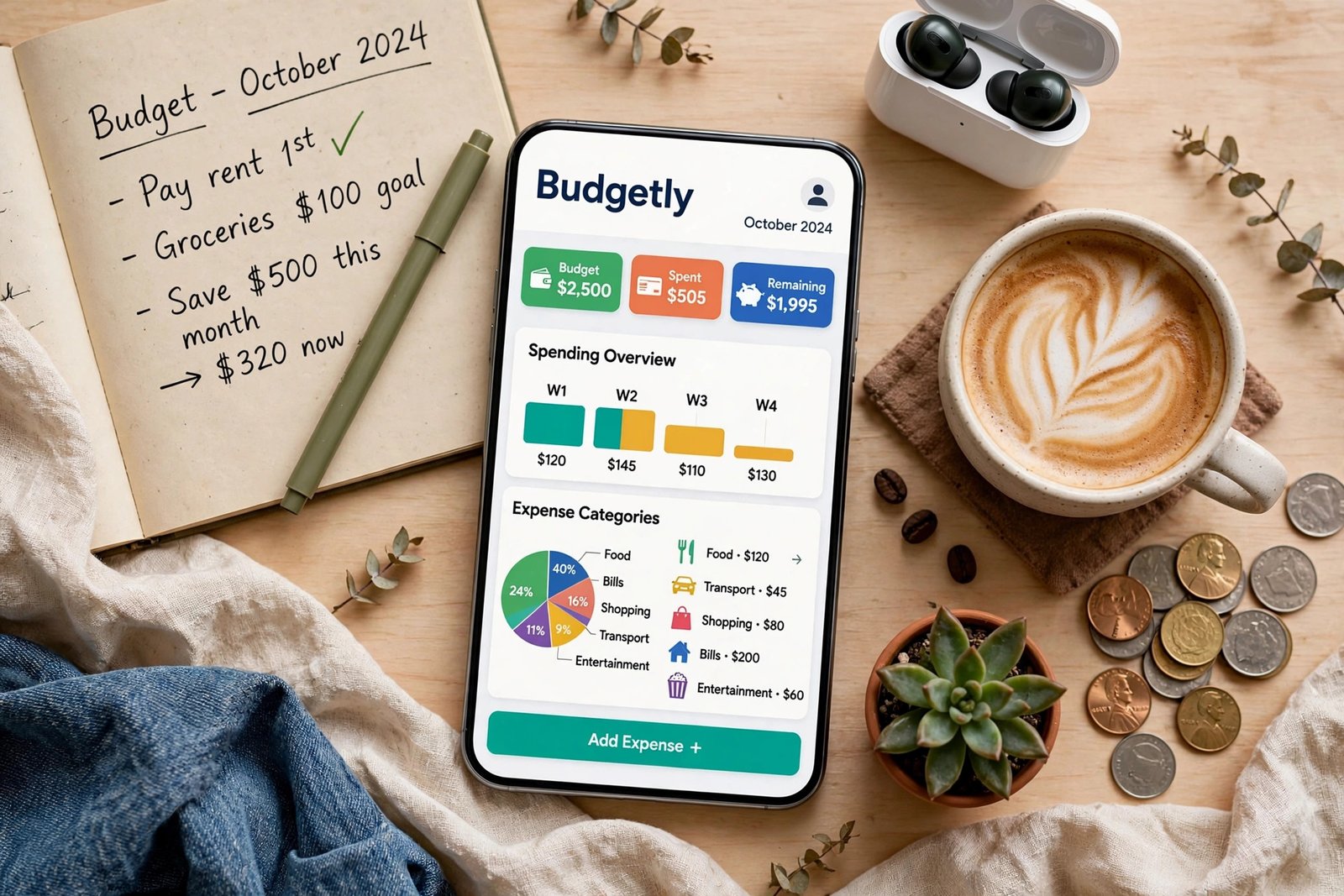
The best budgeting app in 2026 isn’t the one with the flashiest charts or the longest feature list — it’s the one you’ll actually open on the 15th of the month when money feels tight. After testing the leading apps through real-world budgets — a freelancer’s lumpy income, a couple saving for a down payment, a retiree on fixed withdrawals — a clear picture emerges of which tools earn their subscription and which just look pretty in the app store.
Here’s the honest 2026 rundown: what each top app does best, what it costs, who should skip it, and how to pick the right one for your money personality.
What Actually Matters in a Budgeting App in 2026
Forget feature checklists for a moment. The research on budgeting success is remarkably consistent: people who stick with a system for 90 days see measurable improvement in savings rates, regardless of the tool. So the real question is fit. In 2026, that means three things.
First, bank connectivity that actually works. Open-banking standards have matured, and the best apps sync transactions from thousands of institutions reliably. The ones still plagued by broken connections and duplicate transactions will waste your Sundays reconciling.
Second, a philosophy you agree with. Apps generally follow one of three schools: give-every-dollar-a-job (zero-based), spend-up-to-a-limit (envelope/category caps), or track-and-course-correct (spending awareness). Pick the school that matches how your brain works, not the one a YouTuber hyped.
Third, price honesty. Several popular apps raised prices in 2024–2025, and 2026 renewals are landing at $100+ per year. That’s fine if the app saves you multiples of that — but a free app you use beats a $110 app you abandon by March.
The Top Budgeting Apps of 2026, Tested
YNAB (You Need a Budget) — best for serious budgeters
YNAB remains the gold standard for zero-based budgeting: every dollar gets assigned a job before the month starts, and the app forces you to confront trade-offs in real time. Its educational library is genuinely excellent — many users say the method, not the app, is what changed their finances. Downsides: it’s the priciest of the bunch (around $110/year in 2026), there’s no free tier, and the learning curve is real. Best for: couples, freelancers with variable income, and anyone who has tried and failed at “casual” budgeting. Pair it with AI-assisted budgeting and saving strategies for an even sharper system.
Monarch Money — best all-in-one for couples and families
Monarch has become the darling of the “I want everything in one dashboard” crowd: budgeting, investments, net worth, and collaborative tools for partners, all in a clean interface. It handles shared finances better than almost anyone, with customizable categories and solid reporting. Pricing sits near YNAB levels, but frequent promotions soften the blow. Best for: households managing money together who also want investment tracking without a separate app.
Copilot — best design, Apple-first
If you live in the Apple ecosystem, Copilot’s design is in a different league — fast, beautiful, and genuinely pleasant to use daily. It leans toward spending-awareness budgeting with smart categorization and strong privacy positioning. The catch: it’s iOS/Mac only, so Android households and mixed-device couples are out of luck. Best for: iPhone loyalists who want budgeting to feel less like homework.
EveryDollar — best free starter app
Dave Ramsey’s EveryDollar offers a genuinely usable free tier for manual zero-based budgeting — you enter transactions yourself, which some people find builds better awareness anyway. Bank sync requires the paid plan. Best for: budgeting beginners who want to test the zero-based method before paying, or anyone philosophically committed to Ramsey-style debt payoff.
PocketGuard — best for “what can I spend today?”
PocketGuard answers one question brilliantly: after bills, goals, and necessities, what’s actually safe to spend? Its “In My Pocket” number is perfect for people who find full budgets exhausting. Best for: overspenders who need a guardrail, not a spreadsheet.
Free vs. Paid: The Honest Math
A $100/year app needs to save you at least $8.33 a month to pay for itself — a bar almost any consistent budgeter clears through reduced impulse spending alone. But free options have quietly improved: your bank’s own app, the CFPB’s money-management resources, and simple spreadsheet templates cover the basics. Before paying, try a free tier for one full month. If you open it at least twice a week without being reminded, the paid upgrade will probably be worth it.
One more consideration: data privacy. Budgeting apps see your entire financial life. Check whether the app sells anonymized data, how it handles account credentials (token-based connections via services like Plaid are the 2026 standard), and whether you can delete your data entirely. The FDIC’s consumer resources are a good baseline for understanding your rights around financial data.
How to Choose: A 10-Minute Decision Framework
Answer three questions. One: Do you want to plan every dollar in advance, or just know what’s safe to spend? Planners go YNAB or EveryDollar; spenders go PocketGuard or Copilot. Two: Are you budgeting solo or with a partner? Couples should weight Monarch or YNAB’s shared features heavily. Three: iPhone or Android? That alone eliminates Copilot for half the population.
Then commit to a 90-day trial. The first month is setup and frustration; the second is calibration; the third is where the habit either locks in or doesn’t. Set a calendar reminder for day 90: if you’re still opening the app weekly, keep it. If not, the app wasn’t the problem — the fit was — and you should try a different philosophy rather than a different app with the same philosophy.
And remember that budgeting is only half the equation. Once your spending is under control, direct the surplus somewhere productive — learning how to save money on groceries without couponing frees up cash just as surely as any app feature, and Investor.gov’s investing basics will show you what to do with the surplus once it exists.
Conclusion
The best budgeting app in 2026 is YNAB for committed zero-based budgeters, Monarch for couples wanting an all-in-one dashboard, Copilot for Apple users who value design, EveryDollar for free starters, and PocketGuard for simple spending guardrails. But the app is maybe 20% of the equation — the other 80% is picking a method that matches your brain and sticking with it for 90 days. Choose fast, commit fully, and let the compound effect of small monthly surpluses do the heavy lifting.
Frequently Asked Questions
Are budgeting apps safe to connect to my bank account?
Reputable apps use token-based connections (via Plaid or similar) rather than storing your login credentials, and data is encrypted in transit and at rest. Stick to well-established apps, enable two-factor authentication, and review each app’s privacy policy on data sharing.
Is YNAB worth the price in 2026?
For people who commit to the zero-based method, yes — users routinely report saving far more than the ~$110 annual cost. For casual budgeters who won’t do the weekly upkeep, a free app is the smarter choice.
Can a budgeting app really help me save money?
Yes, primarily through awareness: studies consistently show that tracking spending reduces it. The app doesn’t save money for you — it makes the trade-offs visible so you make better decisions.
What’s the best free budgeting app?
EveryDollar’s free tier is the most capable truly-free option for zero-based budgeting. Your bank’s built-in spending tools are also surprisingly good in 2026 and cost nothing.
Should couples use one budgeting app together?
Generally yes — shared visibility prevents the “I thought you paid that” problem. Monarch and YNAB both handle multi-user budgeting well; just agree on category rules before you start.